










Choosing the Best Editing Software for Beginners in 2026
In 2026, the landscape of content creation is more vibrant than ever, especially for gamers looking to share their experiences. Whether you are broadcasting live on Twitch, uploading highlights to YouTube, or crafting narrative-driven gameplay videos, finding the best editing software beginners can easily adopt is paramount. The right tool can transform raw footage into captivating stories, but the sheer volume of options can be overwhelming for those just starting out. This guide focuses on simplifying that choice, highlighting software that balances powerful features with an intuitive learning experience, specifically catering to the needs and skill levels of new video editors in the gaming community.
Understanding what constitutes the best editing software for beginners goes beyond just price; it involves usability, feature set, performance, and the availability of learning resources. As a new editor, you want software that helps you achieve professional-looking results without requiring months of dedicated study. The ideal solution will streamline your workflow, allowing you to focus more on your creative vision and less on navigating complex menus. This is particularly crucial for gamers who often have a wealth of footage but limited time to dedicate to the arduous process of post-production.
Our exploration into the best editing software for beginners will provide a clear roadmap, ensuring that by the end, you will be equipped to make an informed decision tailored to your specific needs as a burgeoning content creator. We will delve into software options that cater to various operating systems and budget constraints, always keeping the beginner's journey at the forefront. The goal is to empower you to start editing your gaming content effectively and efficiently, laying a strong foundation for future creative endeavors.
How to Select Your First Video Editor as a Gamer?
Selecting your first video editor as a gamer involves a thoughtful consideration of several factors beyond just what looks good in an advertisement. The best editing software beginners can choose should align with their current technical proficiency, their creative ambitions, and their budget. It is a common misconception that one must immediately invest in high-end, professional software. For a beginner, an overly complex interface can lead to frustration and abandonment rather than fostering creativity. Starting with a more accessible program allows you to grasp fundamental editing principles without being overwhelmed by advanced features you might not need initially.
Key factors to consider include your operating system compatibility, as some software is exclusive to Windows or macOS. Performance is also critical; ensure the software runs smoothly on your existing gaming rig to avoid delays and crashes. Look for features essential for gaming content, such as robust timeline editing, easy audio mixing, basic color correction, and straightforward export options for platforms like YouTube and Twitch. Availability of tutorials and a supportive community can significantly impact your learning curve, making the journey much smoother. Many of the best editing software beginners prefer come with extensive online guides and active user forums.
Ultimately, the objective is to find a balance between simplicity and capability. You want software that is easy to pick up but still powerful enough to allow for growth as your skills develop. Dont be afraid to explore free trials or completely free options, as these often provide an excellent starting point to experiment and determine what features and interfaces resonate most with your personal editing style. The best editing software beginners use often serves as a stepping stone to more advanced tools, but it must first inspire confidence and facilitate learning.
Is expensive software always better for beginners?
No, expensive software is not always better for beginners. While professional-grade software often boasts a wider array of advanced features, these can be overwhelming and unnecessary for someone just learning the ropes. For beginners, the learning curve associated with complex interfaces can be a significant barrier. User-friendly and often more affordable or even free options frequently provide all the essential tools required to create high-quality gaming content. Focusing on accessibility and core functionalities initially ensures a smoother, more enjoyable learning experience, making cost-effective solutions often the best editing software beginners can start with.
Which Free and Affordable Options Excel for New Editors?
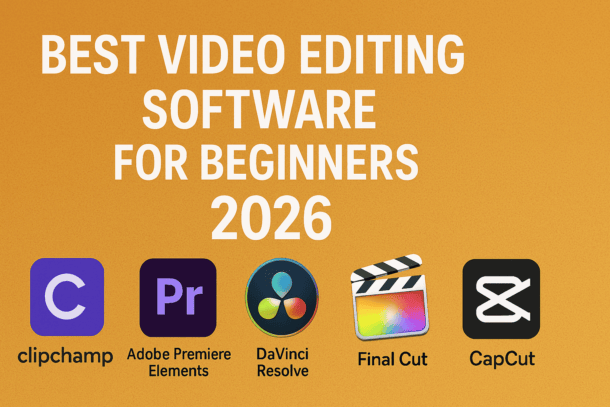
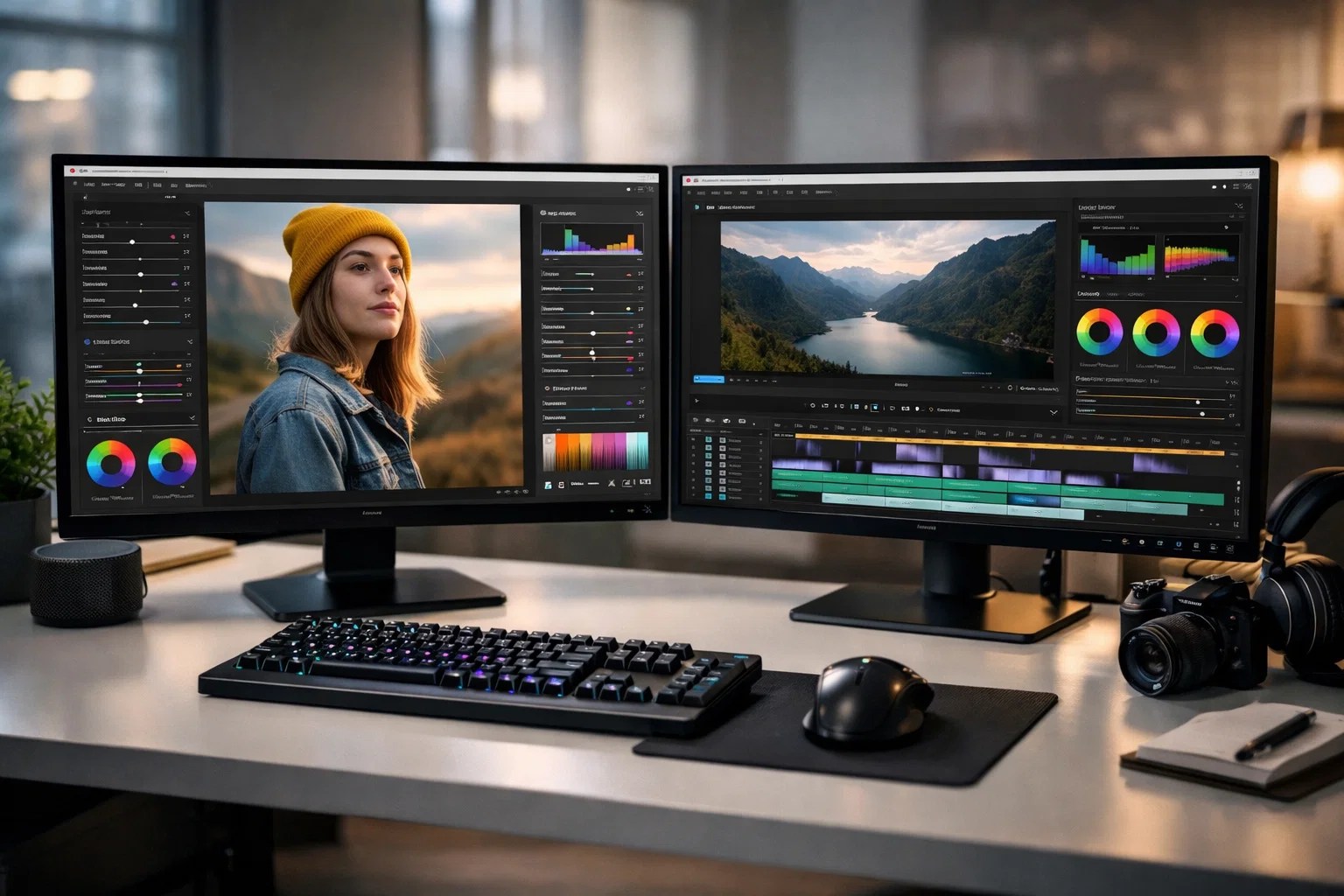
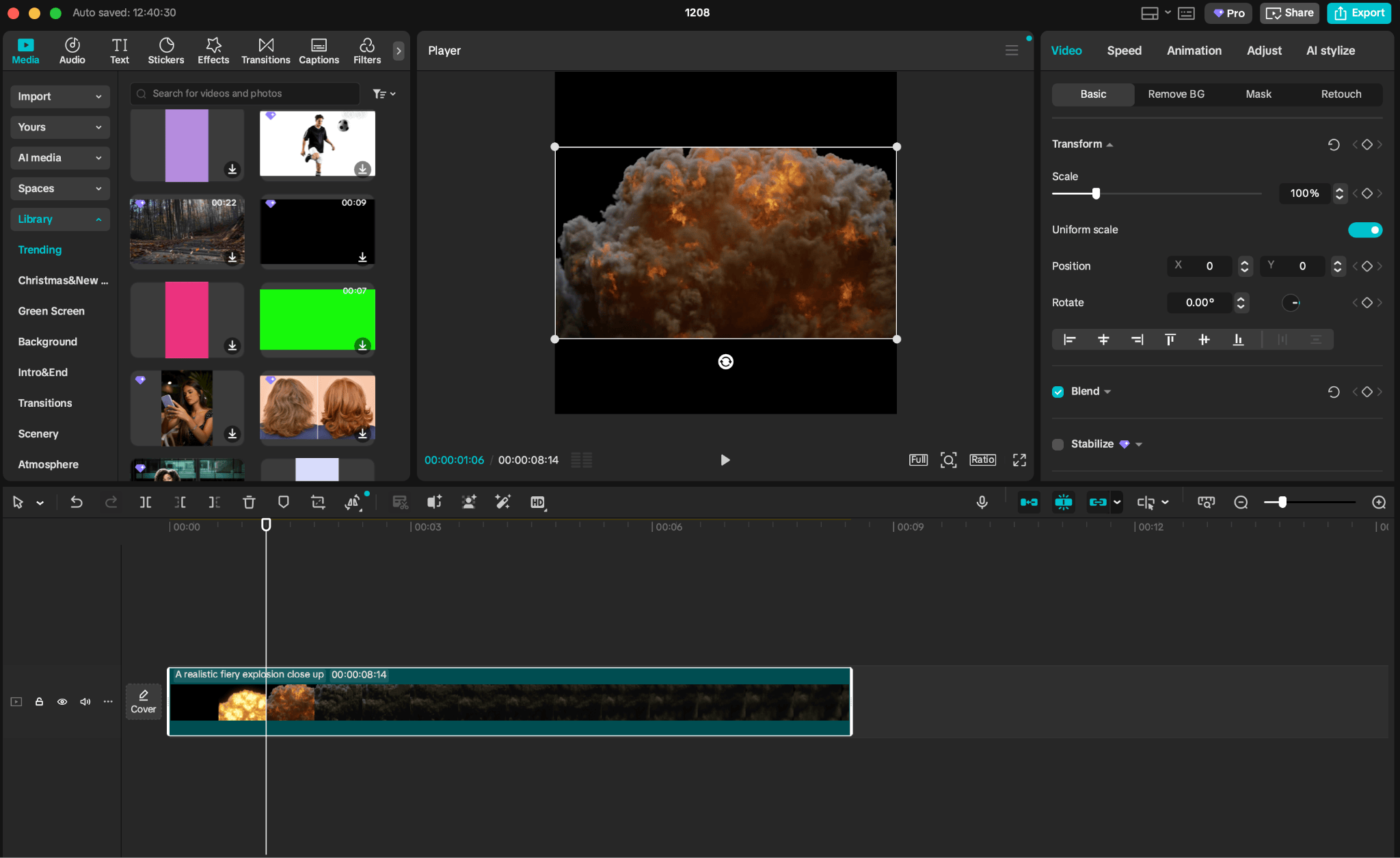
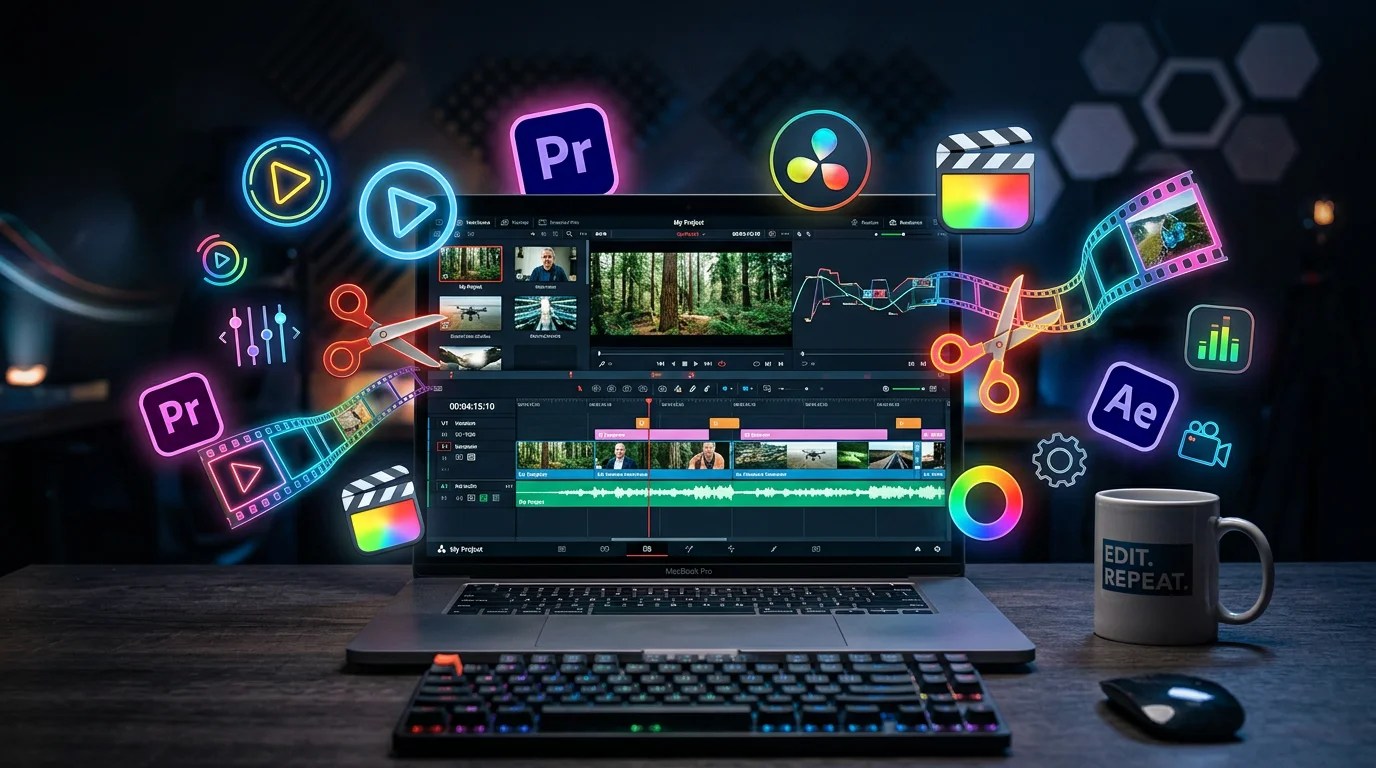
For new editors, particularly those within the gaming community, the initial investment in software can be a significant hurdle. Fortunately, the market for 2026 offers an impressive array of free and affordable video editing software that stands out as the best editing software beginners can leverage without breaking the bank. These options provide robust functionalities for cutting, trimming, adding transitions, basic color grading, and audio enhancements, all crucial for polishing gaming footage into engaging videos. Platforms like DaVinci Resolve Free and CapCut are leading the charge, offering professional-grade tools and intuitive interfaces, making them perfect starting points for aspiring content creators who are budget-conscious.
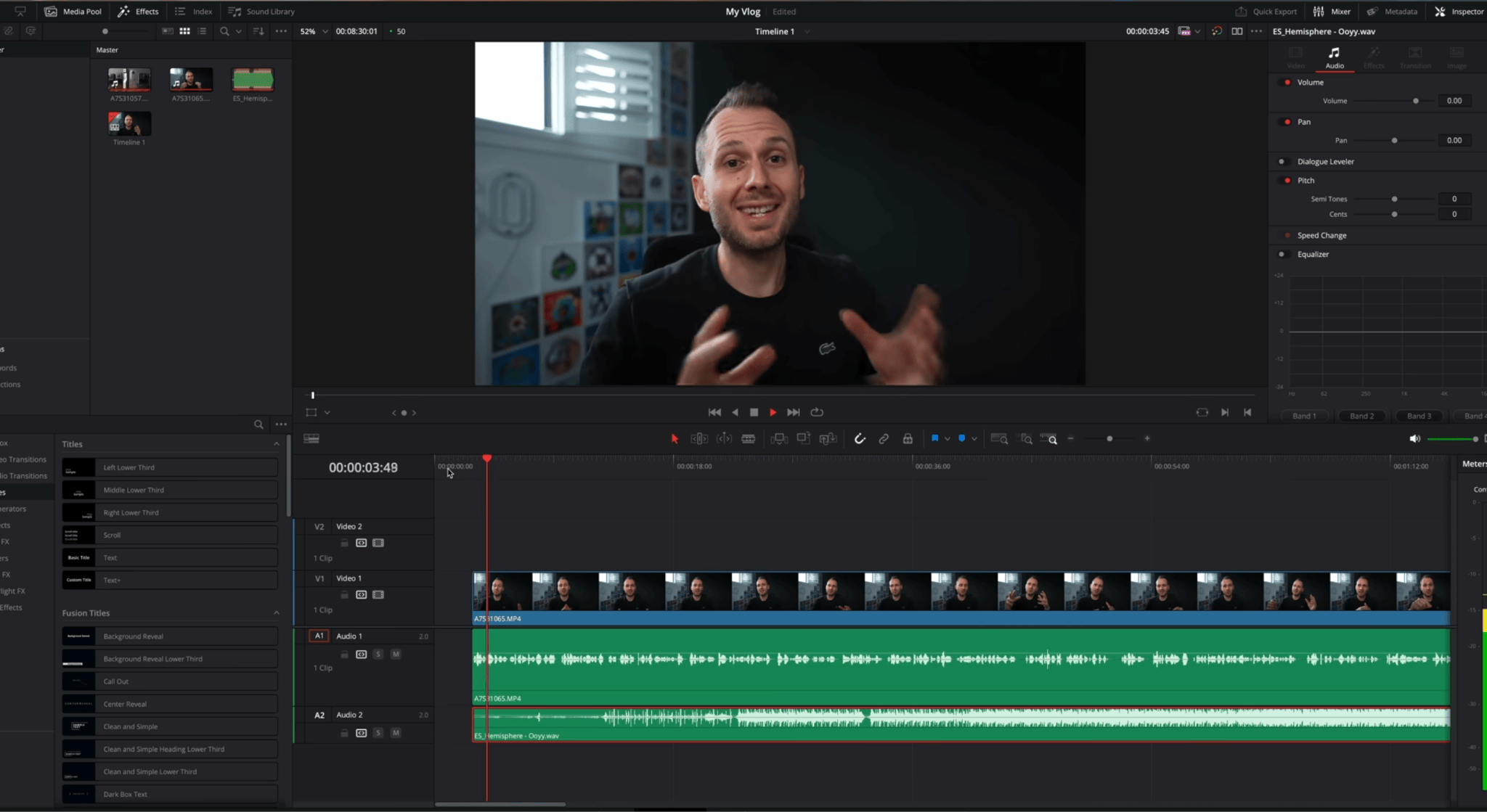
DaVinci Resolve Free, for instance, is a surprisingly powerful tool often considered professional-grade, yet its free version offers an extensive set of features that can easily rival many paid competitors. While it has a slightly steeper learning curve than some ultra-simplistic editors, its comprehensive capabilities mean beginners wont quickly outgrow it. CapCut, on the other hand, is renowned for its ease of use, particularly popular among mobile editors but also offering a robust desktop version. Its straightforward interface and direct social media integration make it an excellent choice for quickly creating and sharing gaming clips and short-form content. These free options represent the best editing software beginners can access for zero cost.
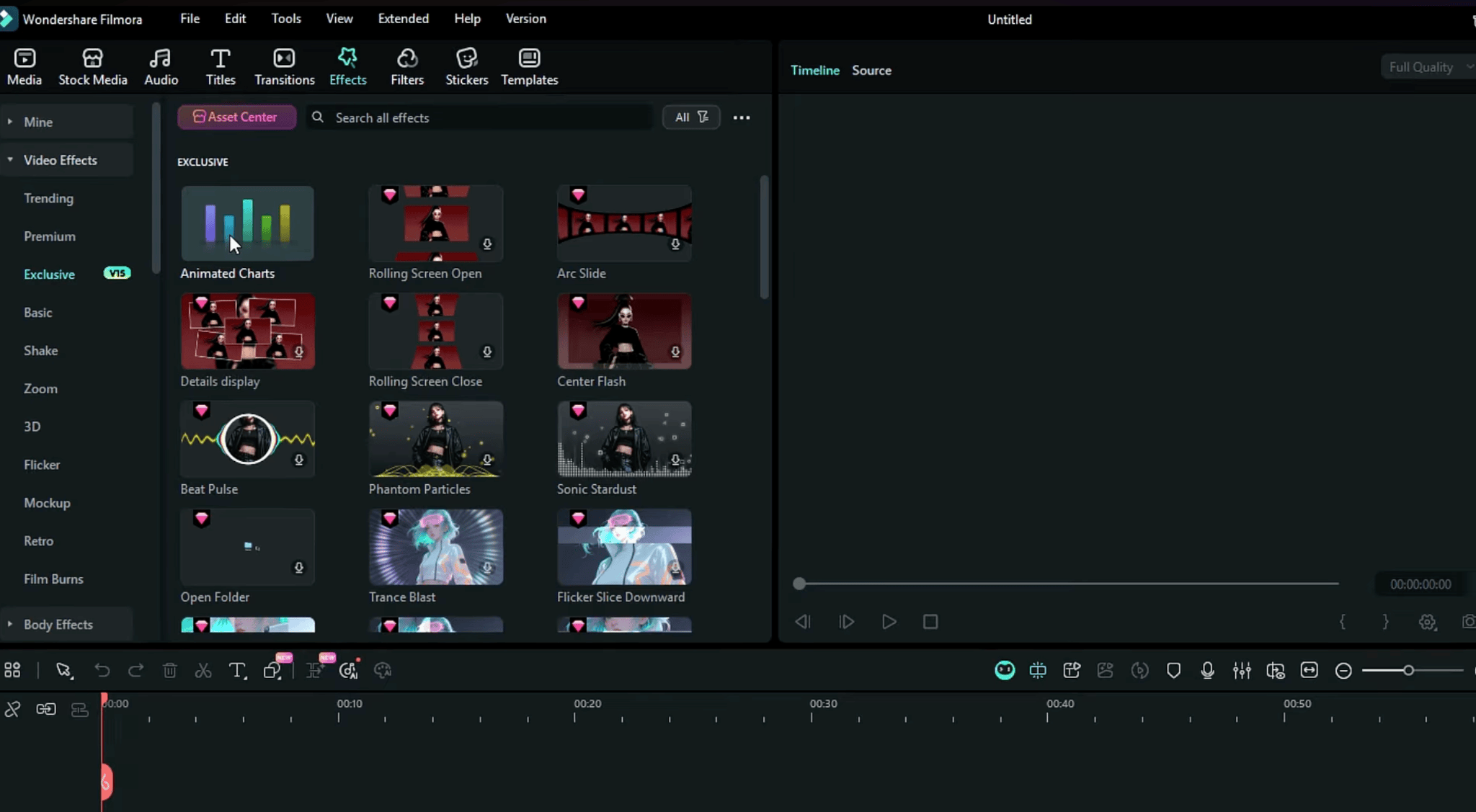
Beyond entirely free solutions, there are numerous affordable options that present excellent value for money. Software like Filmora and PowerDirector offer a more guided editing experience with drag-and-drop functionality, vast libraries of effects, and built-in templates. These tools often come with a one-time purchase or a reasonable subscription fee, providing a balanced blend of advanced features and user-friendliness. They are designed to accelerate the editing process, making them ideal for gamers who want to produce polished content efficiently. For those ready to make a small investment, these platforms are considered some of the best editing software beginners can transition to for enhanced capabilities.
Where can I find reliable tutorials for beginner editing software?
Reliable tutorials for beginner editing software are abundantly available on platforms such as YouTube, the software developers official websites, and dedicated online course platforms like Skillshare or Udemy. YouTube hosts countless free guides, often from experienced content creators who specialize in specific software like DaVinci Resolve or Filmora, providing practical, step-by-step instructions for gamers. Developers like Blackmagic Design for DaVinci Resolve also offer extensive, high-quality documentation and video lessons directly on their sites. These resources are invaluable for any new user seeking to master the best editing software beginners can find.
What Essential Features Do Beginners Need in Editing Software?
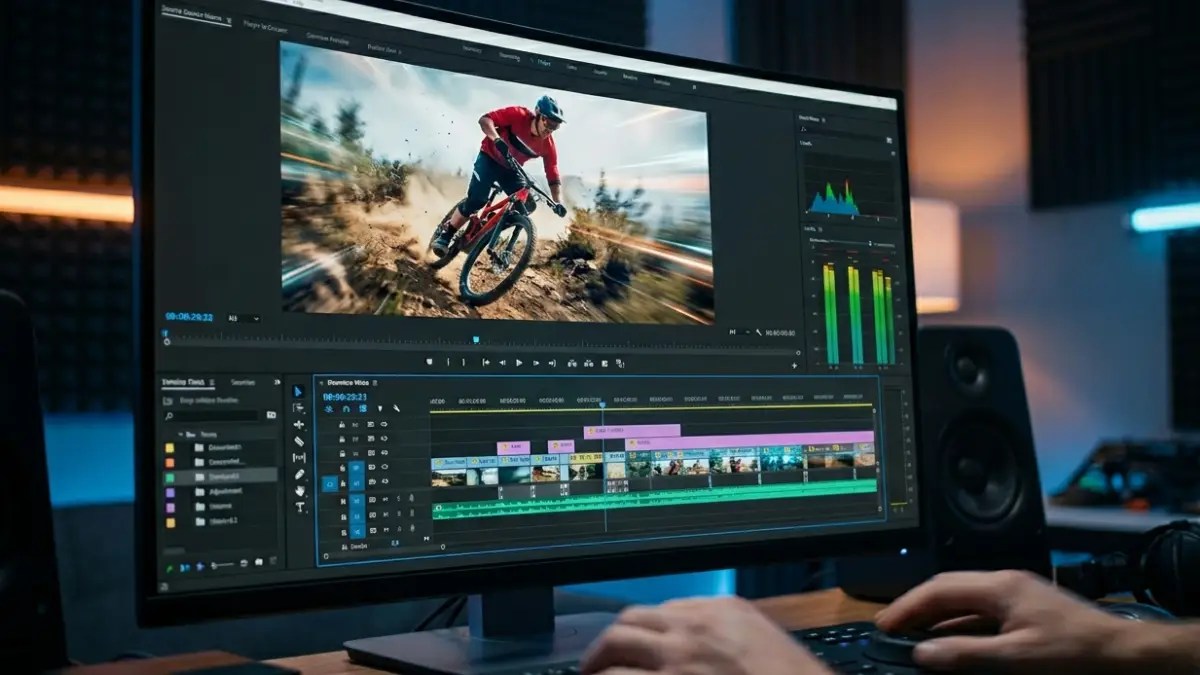
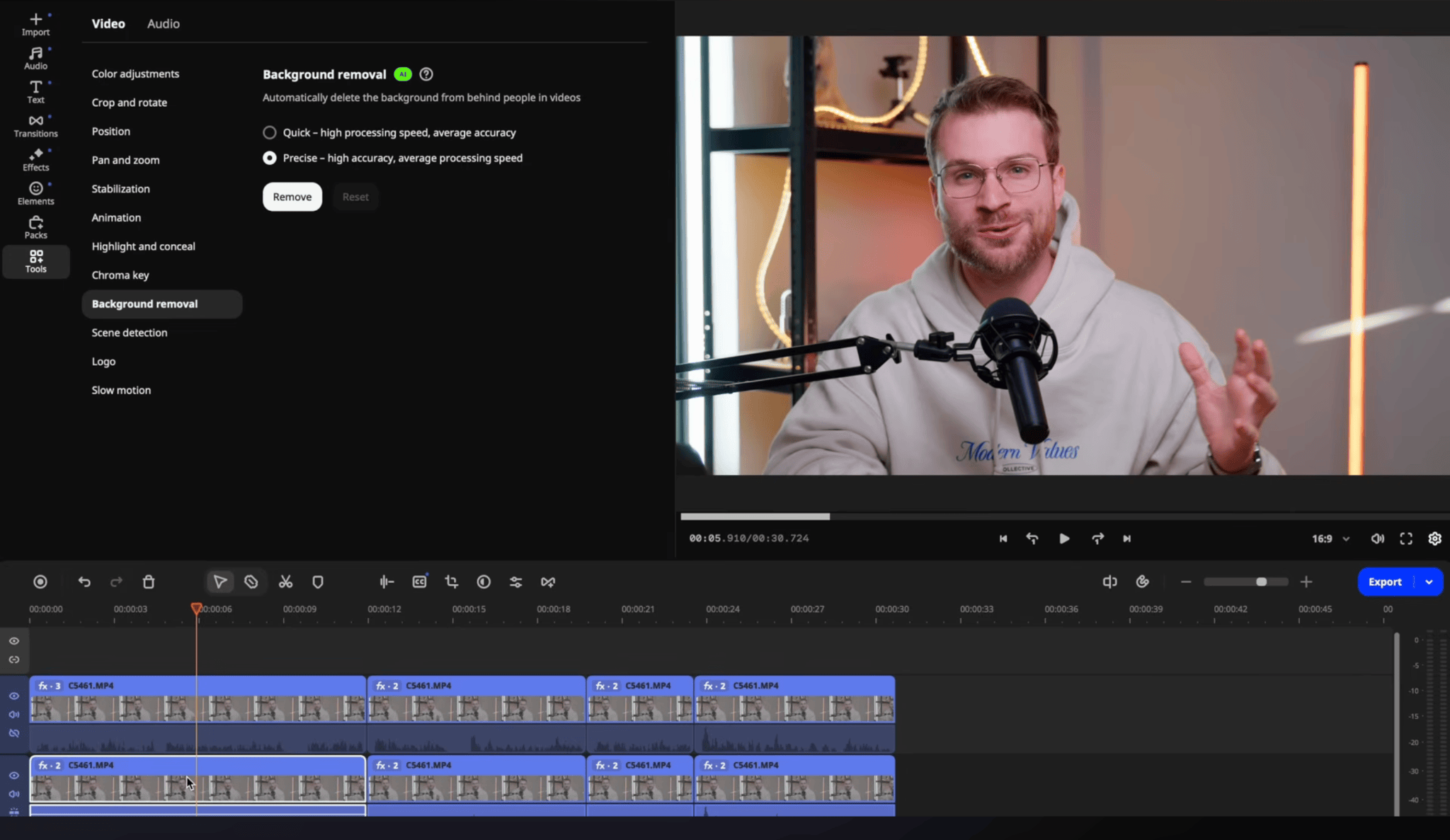
When searching for the best editing software beginners should prioritize, focusing on essential features that facilitate a smooth learning process and effective content creation is crucial. For gamers, the core functionalities revolve around transforming raw gameplay footage into compelling narratives or entertaining highlight reels. This includes robust timeline editing for precise cuts and arrangement of clips, allowing users to easily remove unwanted sections and sequence their footage. Fundamental transitions, such as fades and wipes, are also vital for creating seamless flow between scenes without jarring jumps. The ability to add text overlays for commentary, titles, or subtitles is equally important for conveying information or enhancing humor within gaming videos.
Beyond basic video manipulation, the best editing software beginners utilize often incorporates user-friendly audio mixing capabilities. This allows for adjusting game audio, adding background music, and layering voiceovers or commentary, ensuring clear and engaging soundscapes. Simple color correction tools are also highly beneficial, enabling new editors to subtly enhance the visual appeal of their footage without delving into complex professional grading. Furthermore, accessible export options are non-negotiable, ensuring that edited videos can be easily rendered and uploaded to popular platforms like YouTube, Twitch, or TikTok in appropriate formats and resolutions. These features collectively empower beginners to produce high-quality output without being overwhelmed by an excessive feature set.
For gamers specifically, additional considerations include the software's ability to handle various video formats common in screen recording, and ideally, a straightforward process for importing and managing large video files. While advanced features like motion tracking or complex visual effects are appealing, for a beginner, mastering the fundamentals is far more important. A well-designed user interface that logically organizes tools and offers clear visual feedback can significantly reduce the learning curve. Prioritizing software that excels in these essential areas ensures that the best editing software beginners adopt truly supports their creative growth rather than hindering it with unnecessary complexity or a steep learning barrier.
Why is user interface important for best editing software beginners?
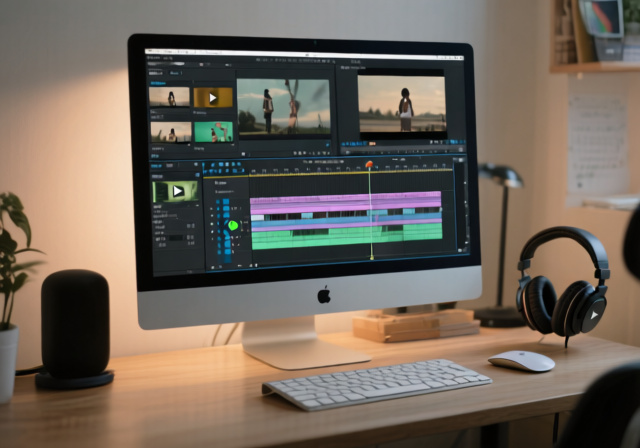
The user interface is paramount for the best editing software beginners because it directly impacts the speed and ease of learning. An intuitive and uncluttered interface allows new editors to quickly grasp core functionalities like cutting, trimming, and adding effects without feeling overwhelmed. A well-designed UI reduces frustration, encourages exploration, and makes the editing process enjoyable rather than a chore. For gamers keen to get their content out, a simple interface means less time wrestling with software and more time creating, thereby fostering consistent content production and skill development.
Conclusion on Best Editing Software for Beginners
Navigating the world of video editing as a beginner can seem daunting, but with the right tools, it transforms into an exciting creative outlet. Our exploration into the best editing software beginners can embrace in 2026 highlights that accessibility, a strong feature set for fundamental tasks, and supportive learning resources are key. For gamers aged 20-45 in the United States, software like DaVinci Resolve Free and Filmora stand out as exceptional choices, offering pathways to professional-quality content without demanding prior expertise or a substantial financial outlay. The ultimate goal is to find software that empowers your creative vision and makes the editing process enjoyable and efficient.