
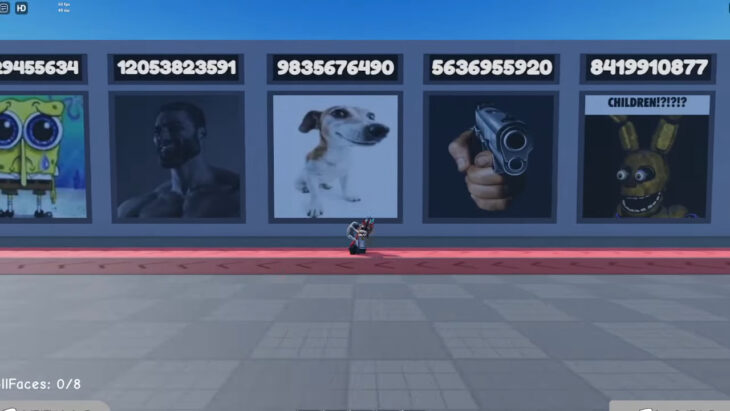


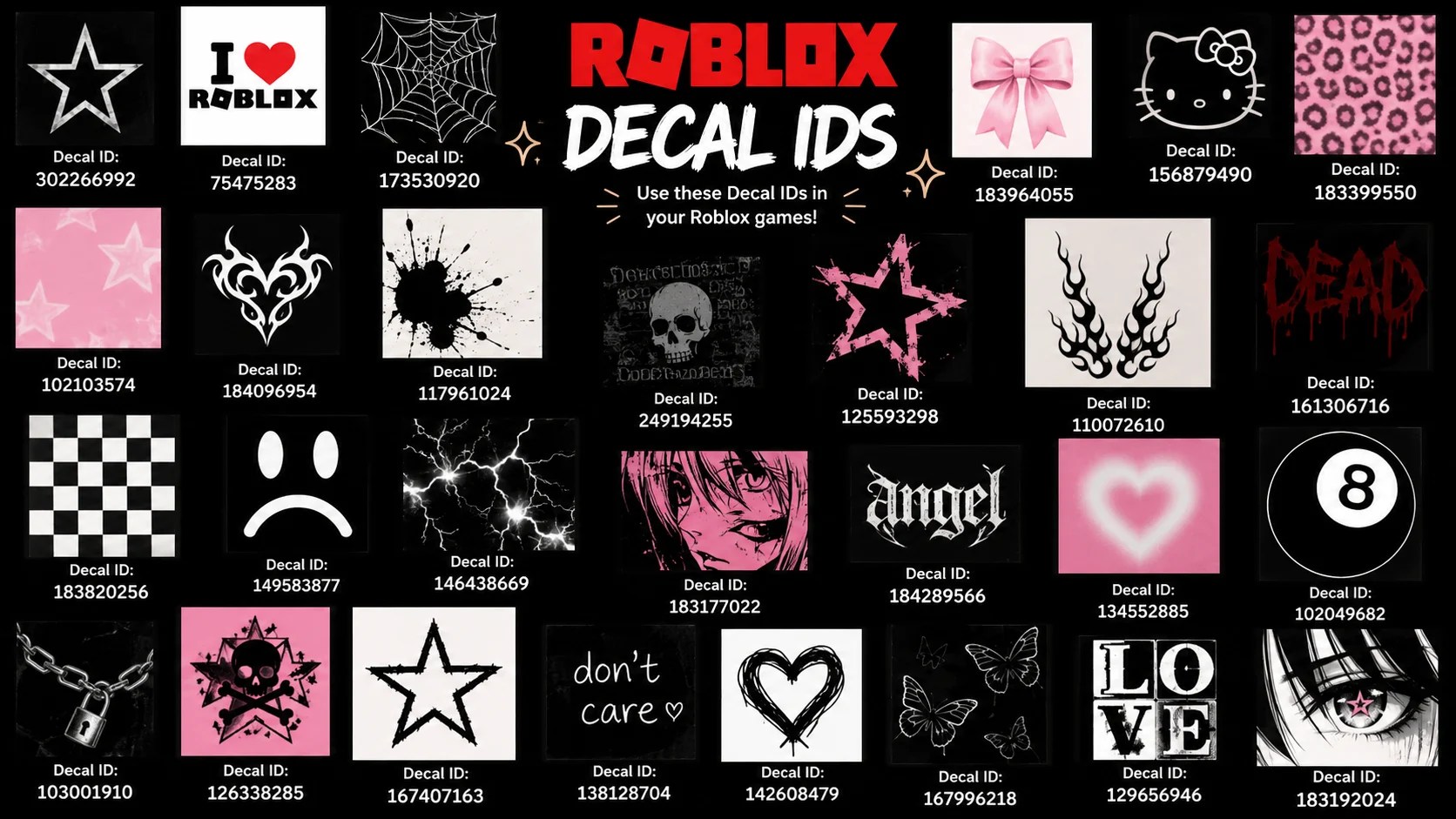






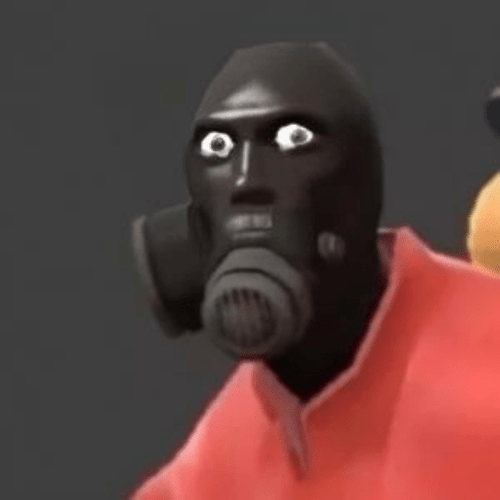


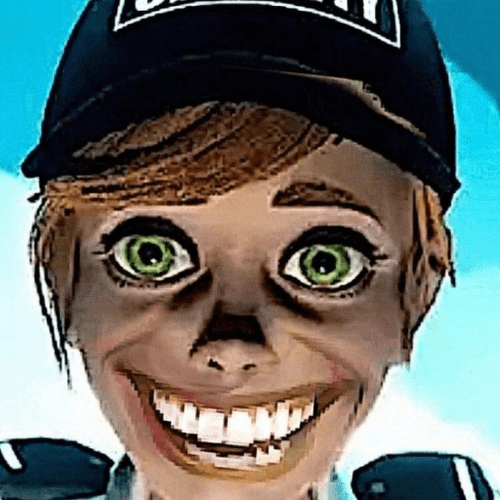


What are the most cursed Roblox decal IDs and how can you find them without getting banned today? Exploring the dark corners of the Roblox library is a favorite pastime for many veteran builders and meme creators. You are probably looking for those weird distorted faces or eerie atmospheric images that make a horror game truly terrifying. It is fascinating to see how the community pushes the boundaries of the creator marketplace while staying within the rules. We will look at why these images exist and how you can safely use them for your projects. Understanding the history of these IDs helps you navigate the platform better while avoiding potential moderation issues on your account.
The Fascinating Appeal of Weird Roblox Assets
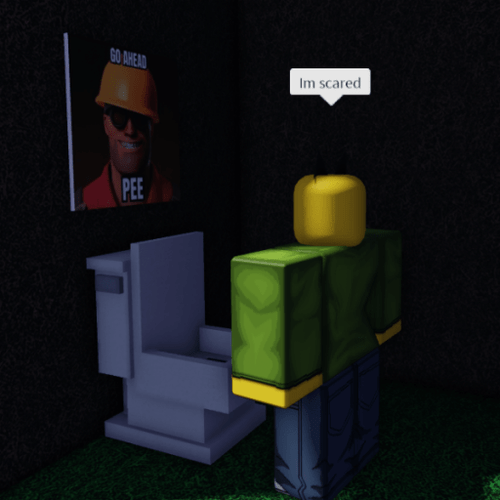
The term cursed refers to images that are intentionally unsettling or bizarre and they often go viral in specific circles. Many creators use these assets to add flavor to their horror games or to prank their friends in private servers. These decals range from distorted versions of popular characters to strange abstract art that defies explanation for most players. You might find that these IDs change frequently as the moderation team updates their filters to protect the community. Keeping up with the latest trends requires staying active in developer forums and following creators who specialize in surrealism. Using these IDs correctly can turn a standard Bloxburg house into a mysterious haunted mansion that everyone wants to visit. Always ensure that the images you choose do not violate the terms of service to keep your account safe. Learning the difference between a funny meme and a forbidden image is crucial for every serious Roblox game developer.
How to Use Decal IDs in Your Favorite Games
Using these IDs is actually very simple once you understand the basic mechanics of the Roblox library system itself. First you need to find a valid identification number by searching the creator marketplace or looking through community lists. Once you have the code you can go to your game and add a decal object to any part. Paste the numbers into the texture property of the decal and the image should appear on the surface immediately. Many players use this technique to create custom wall art or spooky posters in their Bloxburg builds quite often. If the image does not show up it might have been deleted or moderated by the staff recently. You should always have a few backup IDs ready just in case your favorite ones disappear from the servers. Experimenting with different scales and transparency settings can make your cursed images look even more realistic and creepy overall. Sharing your findings with friends is a great way to build a unique collection of rare and interesting assets. Just remember to be respectful of others when placing these images in public spaces where people might be sensitive.
Common Questions About Cursed Roblox Decal IDs
Beginner / Core Concepts
1. **Q:** What exactly is a decal ID on the Roblox platform? **A:** I get why this might be a bit confusing at first since there are so many numbers involved. A decal ID is a unique string of numbers that points to a specific image file on the platform. Think of it like a digital fingerprint for a picture that you can use in your games. You can paste these numbers into a Decal object in Roblox Studio to display the image immediately. It is a fundamental part of building and decorating anything from a small room to a massive city. You have got this!
2. **Q:** How can I find the library to search for new images? **A:** This one used to trip me up too when I first started exploring the developer side of things. You can access the library by going to the Create tab on the main website and clicking on Marketplace. From there you can filter for Decals and type in keywords like spooky or weird to find what you want. It is a massive database with millions of images uploaded by players from all over the world every single day. Just keep searching until you find something that fits your specific vision for your project right now.
3. **Q:** Can using these IDs get my account in trouble with the admins? **A:** I understand the worry because no one wants to lose their progress or items after working so hard. Using images that are already in the library is generally safe because they have passed through initial moderation checks already. However if you upload an image that breaks the rules you might receive a warning or a temporary ban. Always double check that the content is appropriate for all ages before you decide to use it publicly. You are doing a great job by staying informed and cautious about your account security today!
Intermediate / Practical & Production
4. **Q:** Why do some IDs suddenly stop working after a few days? **A:** This is a common issue that many builders face when they are trying to create a consistent gaming experience. The Roblox moderation team is constantly scanning the library for content that might no longer meet their updated safety standards. When an image is deleted the ID becomes invalid and the object in your game will appear blank or gray. It is a good idea to keep a local copy of your favorite IDs on a notepad file. This way you can easily find replacements or see if the creator has uploaded a new version soon. You have got this!
5. **Q:** What are the best keywords to find truly cursed images? **A:** Finding the good stuff requires a bit of creativity and a willingness to dig deep into the search results. Try using words like distorted or surreal or even specific meme names that are known for being a bit weird. Many creators use strange titles to avoid being caught by simple filters so you have to be clever. Looking at the profiles of well known horror game developers can also lead you to some amazing hidden gems. It is like a digital scavenger hunt that gets more rewarding the more you practice your searching skills. Keep at it and you will find the perfect image!
Advanced / Research & Frontier
6. **Q:** Is there a way to bypass the moderation filters for images? **A:** I strongly advise against trying to bypass the filters because the risk to your account is simply too high. The moderation system uses advanced artificial intelligence to scan every pixel of an image for prohibited content or hidden messages. Instead of trying to break the rules focus on being creative within the guidelines to make something truly unique. You can use lighting and effects in Roblox Studio to make even a simple image look very cursed and scary. This approach is much safer and helps you build a reputation as a skilled and responsible developer. You have got this!
Quick Human-Friendly Cheat-Sheet for This Topic
- Always test IDs in a private baseplate before adding them to your main project or game.
- Keep a list of your favorite creators who regularly upload high quality and safe horror assets.
- Use the search filters to sort by updated date to find the freshest and most trending memes.
- Check the comments on decal pages to see if other players have reported any issues with the ID.
- Remember that lighting and sound effects are just as important as the image itself for creating atmosphere.
- Be kind to the moderators because they are just trying to keep the platform safe for everyone.