










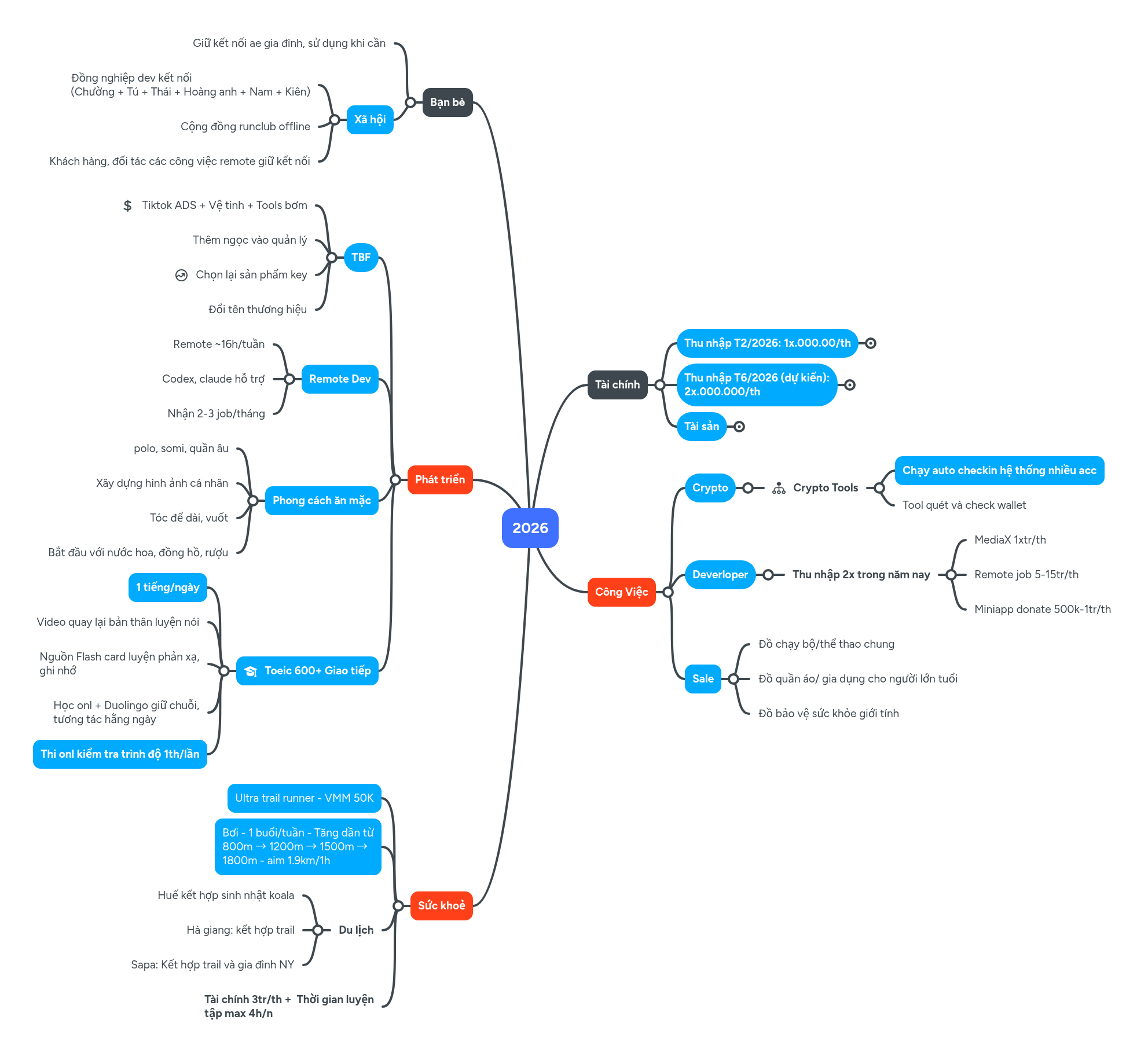


Unlocking your cognitive potential begins with effective organization. A *free mind map* is a powerful visual tool that helps you structure information, generate ideas, and improve comprehension without any financial investment. For students and professionals alike, these tools provide an intuitive way to visually represent concepts, making complex subjects more manageable and creative thinking more fluid. Embracing free mind mapping can significantly boost your productivity and problem-solving abilities, whether you're outlining an essay, planning a project, or brainstorming new strategies.
The accessibility of *free mind map software* means you can start immediately. Many platforms offer robust features, from customizable templates to real-time collaboration, ensuring that your ideas are not only captured but also developed efficiently. Selecting the right *online mind mapping tool* involves considering your specific needs, such as device compatibility, storage options, and integration capabilities. Prioritize tools that offer a user-friendly experience and the flexibility to adapt to various tasks, from personal note-taking to team-based projects.
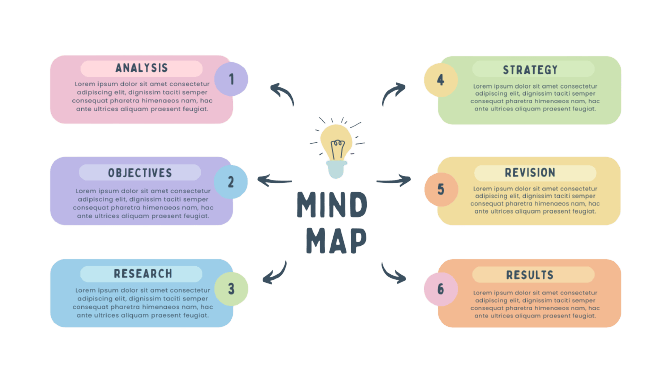
Using a *free mind map* effectively involves starting with a central topic and branching out with related ideas. This visual hierarchy mirrors natural thought processes, making it easier to recall information and identify connections. Explore different layouts and color-coding options to personalize your maps and enhance their clarity. Regular practice with these tools will refine your ability to think visually and organize information more strategically, becoming a cornerstone of your digital toolkit for academic and professional success.
Frequently Asked Questions
Where can I find the absolute best free mind map tools to get started?
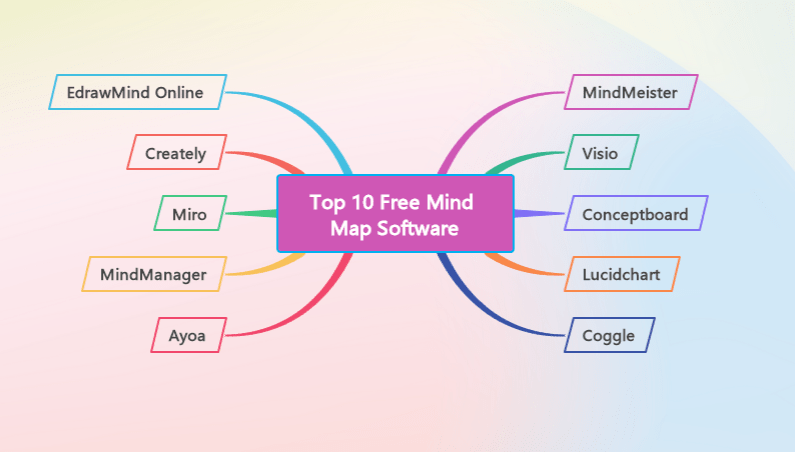
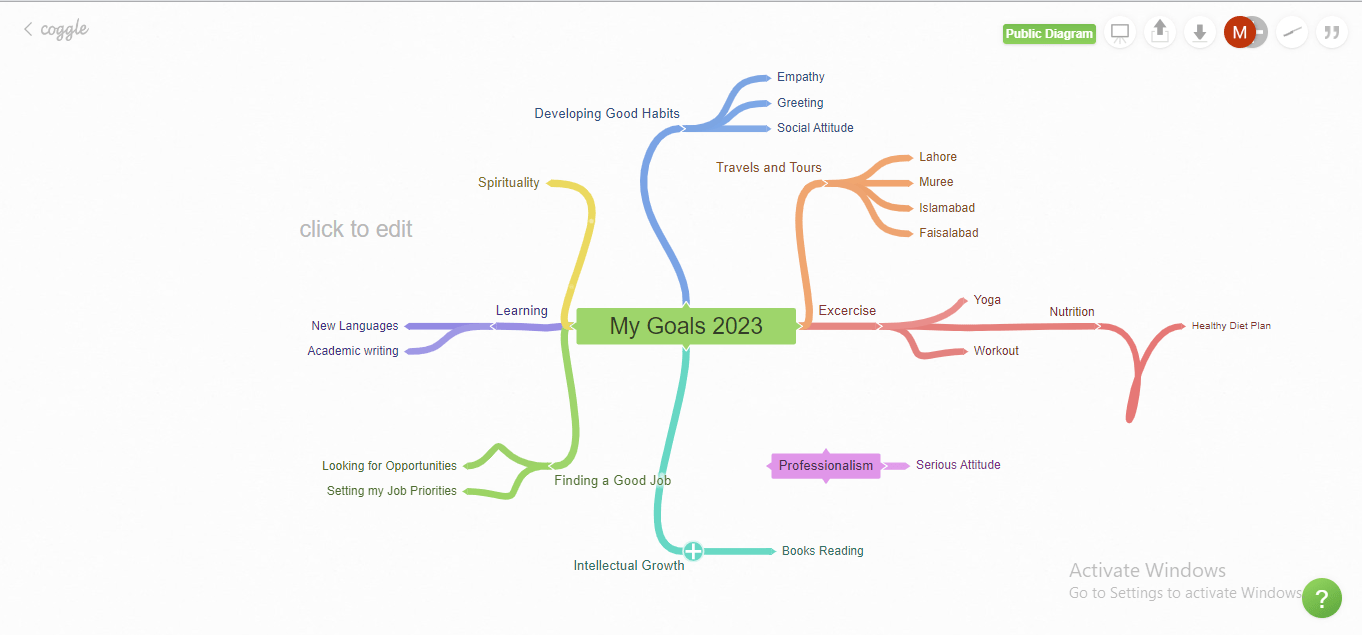
The absolute best free mind map tools are often found on popular online platforms like **MindMeister Basic**, **Coggle**, and **XMind Zen Free**. These web-based options are ideal for quick access.
How do I use Local MAP or Maps to discover highly-rated free mind map options and their features?
Pull up your preferred mobile Maps app and search "free mind map tools" to see top-rated web applications or software links. Check user reviews and website links to verify real-time features and access points for the tools themselves.
What are the best times to explore and integrate a new free mind map tool into my workflow?
The best times to integrate a new free mind map tool are during dedicated planning sessions or at the start of a new project. Look for tools with:
- Quick onboarding tutorials
- Intuitive drag-and-drop interfaces
- Cloud synchronization for accessibility
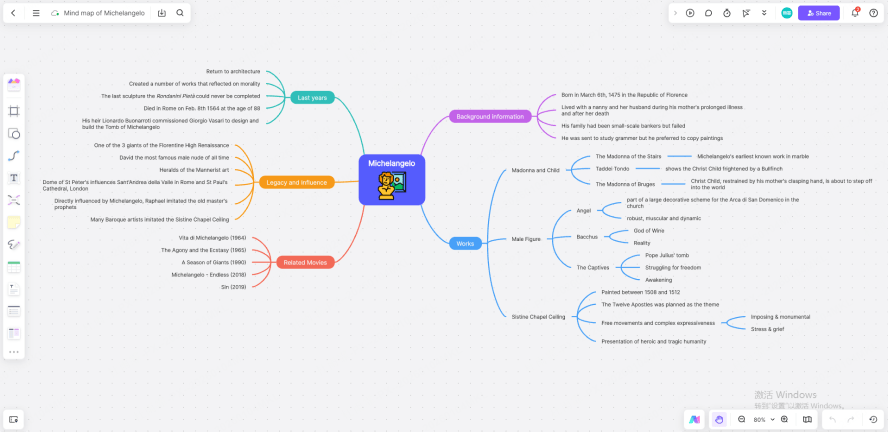
A diagram illustrating various branches of free mind map software.
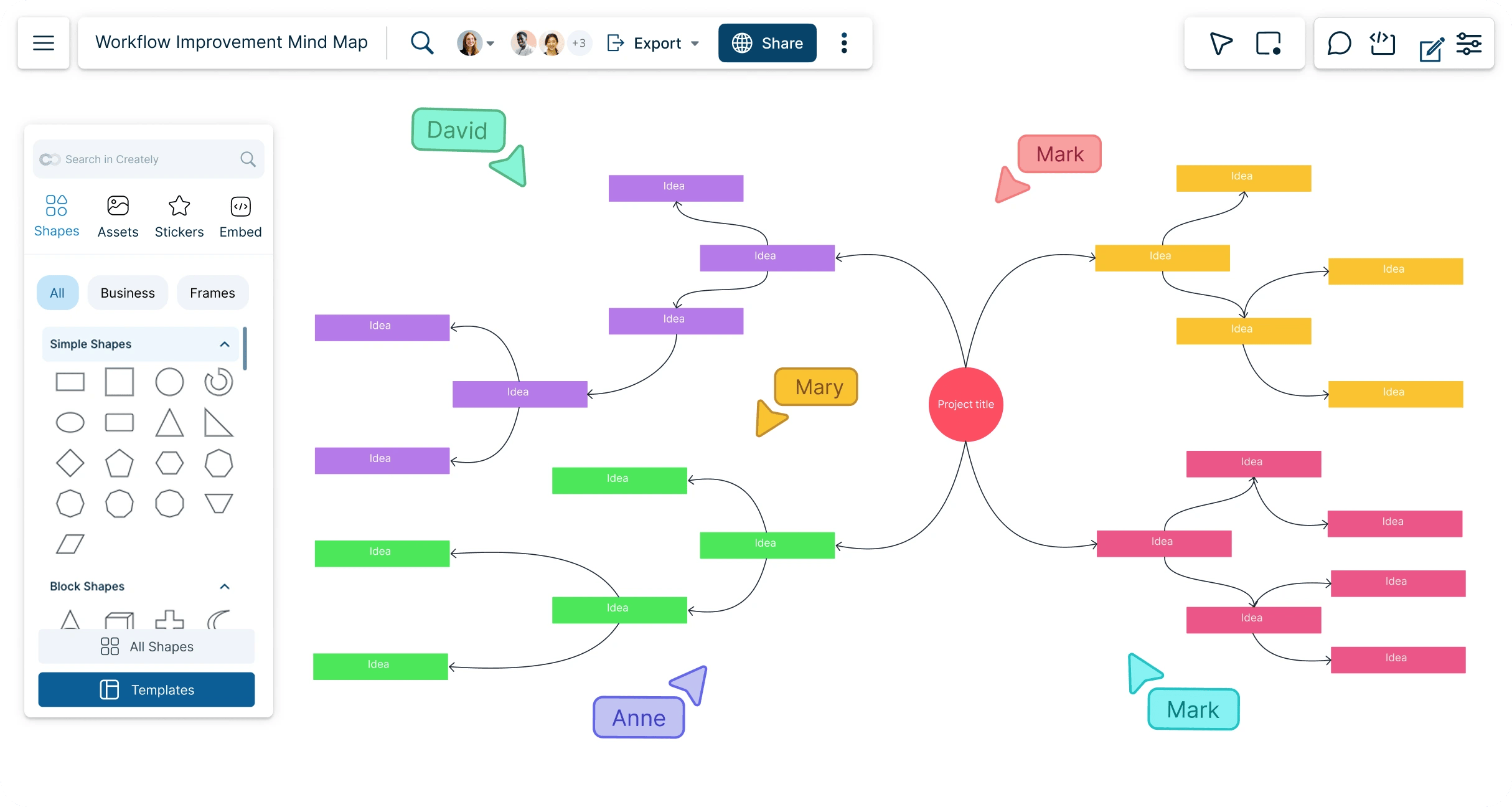
A tablet showing an interactive online mind map with multiple users collaborating.
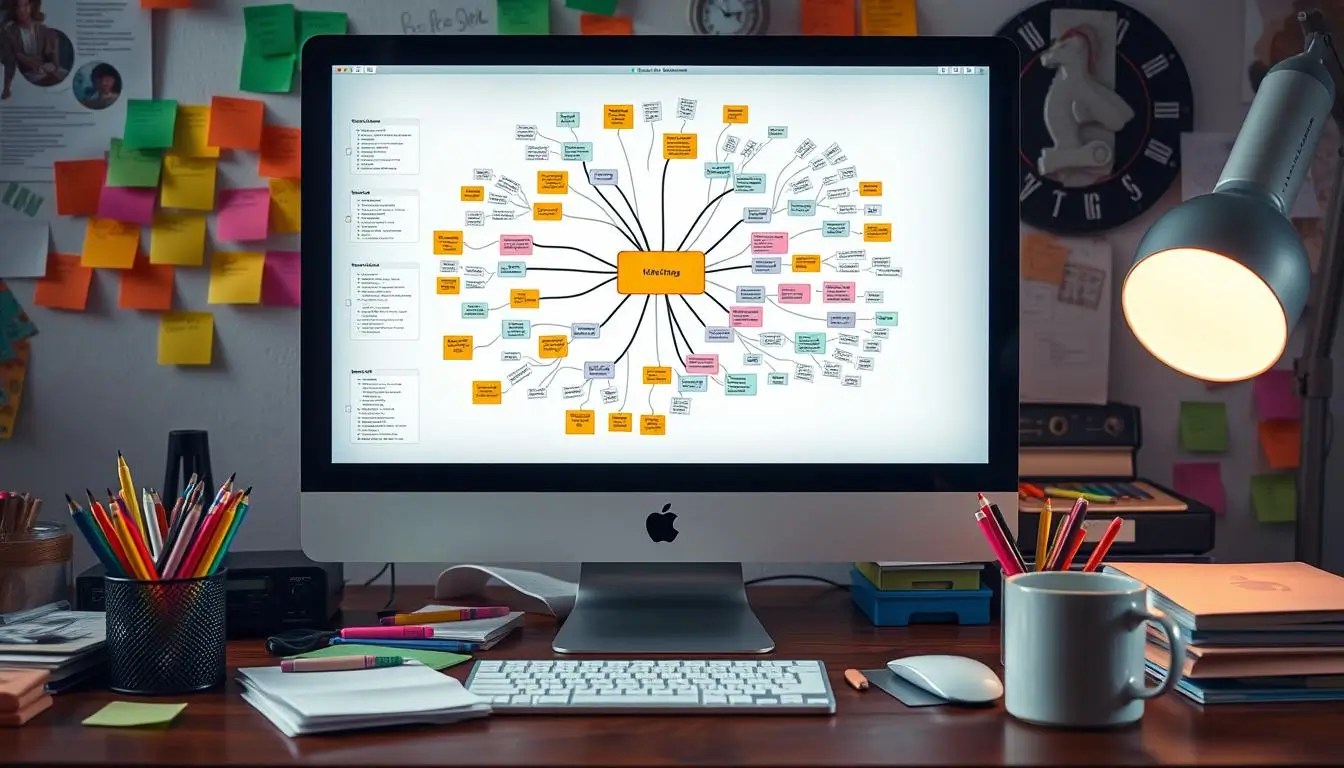
A laptop screen displaying a student using a mind map to structure an essay.
Quick Local Guide Table to Free Mind Map Resources
- Mind Map Tool Name: MindMeister Basic
- Platform / Key Feature: Web-based, collaborative, intuitive
- Mind Map Tool Name: Coggle
- Platform / Key Feature: Web-based, branched layout, easy sharing
- Mind Map Tool Name: XMind Zen Free
- Platform / Key Feature: Desktop/Mobile, elegant design, various structures
- Mind Map Tool Name: FreeMind
- Platform / Key Feature: Desktop, open-source, robust features
- Mind Map Tool Name: Lucidchart Free
- Platform / Key Feature: Web-based, versatile diagramming, templates
All maps focus on free mind map solutions and their digital accessibility.