Explore if smart monitors are the right choice for your gaming setup. This comprehensive guide dives into refresh rates, response times, smart features, and overall value for money for US gamers. We cover everything from console gaming to PC setups and how these monitors can fit into a busy lifestyle. Discover if the convenience of integrated apps and streaming capabilities outweighs potential performance compromises. Learn about the latest trends in display technology and what to look for when investing in a smart monitor for your gaming needs. This article addresses common concerns about input lag, display quality, and the practical benefits of a smart display beyond just gaming. We aim to provide clear, actionable insights for both casual and dedicated gamers, helping you make an informed decision for your next monitor purchase. Understand how smart features can enhance your overall entertainment experience without sacrificing crucial gaming performance.
Are Smart Monitors Good for Serious Gaming?
Smart monitors are generally not ideal for serious competitive gaming where every millisecond counts. While some newer models are improving, they often prioritize smart features and entertainment over the ultra-low response times and high refresh rates (144Hz+) critical for esports. Dedicated gaming monitors still offer superior performance for hardcore players.
Do Smart Monitors Have High Refresh Rates for Gaming?
Many smart monitors come with standard refresh rates of 60Hz to 75Hz. Some premium models are now offering 120Hz, which is a significant improvement for a smoother gaming experience. However, 144Hz or even 240Hz, which are common in dedicated gaming monitors, are still rare in the smart monitor category. Always check the specifications carefully.
What is Input Lag Like on Smart Monitors When Gaming?
Input lag can be a concern on smart monitors. Because they process smart features and apps, there can be a slight delay between your input (keyboard, mouse, controller) and the on-screen action. While casual gamers might not notice it, competitive players will find this delay unacceptable. Look for a "Game Mode" feature, which often bypasses some processing to reduce lag.
Can I Stream Cloud Games Directly on a Smart Monitor?
Yes, one of the key advantages of smart monitors is their ability to stream cloud gaming services like Xbox Cloud Gaming or NVIDIA GeForce NOW directly without needing a PC or console. This is a fantastic feature for gamers with limited space or those who want a simple, all-in-one entertainment hub, often just needing a Bluetooth controller.
Are Smart Monitors a Good Value for Money for Gamers?
For gamers seeking an all-in-one entertainment and productivity hub, smart monitors can offer excellent value. They combine a display, smart TV functionality, and sometimes even basic PC features into one device. However, if your primary concern is raw gaming performance, the same budget might get you a more capable dedicated gaming monitor, albeit without the smart features.
How Do Smart Monitors Handle Console Gaming?
Smart monitors generally handle console gaming well, especially if the console targets 60fps or 120fps. Their integrated apps often make it easy to switch between gaming and streaming entertainment. Just ensure the monitor has the necessary HDMI 2.0 or 2.1 ports to support your console's resolution and refresh rate capabilities.
What Smart Features Are Most Useful for Gamers?
Integrated streaming apps (Netflix, YouTube, Twitch), built-in speakers, and cloud gaming app support are highly useful. Some smart monitors also offer remote controls with voice assistants, which can be convenient for navigating menus or switching inputs. The ability to switch seamlessly between work, gaming, and entertainment without extra devices is a big win for many.
Life as a gamer often feels like a balancing act, doesn't it? You are passionate about exploring new worlds, building skills, and connecting with friends online, but you also have jobs, families, and responsibilities that demand your attention. Finding that perfect gear that offers both high performance and everyday convenience, without breaking the bank or requiring a complex setup, is a constant quest. This is especially true when it comes to displays. You've probably seen the rise of smart monitors and wondered: are smart monitors good for gaming? Are they a legitimate solution for optimizing your playtime while also fitting seamlessly into your busy life?
We get it. The average US gamer, around 36 years old, often dedicates 10+ hours a week to gaming, showing that even with adulting, the passion remains strong. And with 87% of gamers regularly playing, and mobile gaming dominating alongside PC/console cross-play, versatility is key. This guide is here to cut through the hype and give you the straightforward answers you need. We'll dive deep into whether smart monitors can truly deliver the gaming experience you crave, or if you're better off sticking to traditional gaming displays. Let's find out how these all-in-one marvels stack up against the demands of your favorite titles and your precious free time.
What Exactly Is a Smart Monitor and How Does It Benefit Gamers?
A smart monitor is essentially a display that blends the functions of a traditional monitor with those of a smart TV. This means it has its own operating system, often Linux-based or Android TV-derived, allowing it to run apps like Netflix, YouTube, Spotify, and even cloud gaming services such as Xbox Cloud Gaming or NVIDIA GeForce NOW, all without needing a connected PC or console. For gamers, this offers unparalleled convenience. Imagine finishing a work email, then switching directly to a streaming service for a quick show, and then launching a cloud game all from the same screen with just a remote control. It simplifies your setup and minimizes clutter, a real boon for those balancing gaming with work and family life.
Are Smart Monitors Good for Gaming Performance: Refresh Rate and Response Time?
When considering if smart monitors are good for gaming, performance metrics like refresh rate and response time are critical. Historically, smart monitors lagged behind dedicated gaming monitors in these areas, often sticking to 60Hz refresh rates and higher response times. This meant less fluid motion and potential ghosting, which can be detrimental in fast-paced games. However, the landscape is evolving rapidly. Many newer smart monitor models now offer 120Hz refresh rates, and some premium options are even reaching 144Hz, providing a much smoother visual experience. Response times are also improving, with some models achieving 4-5ms Grey-to-Grey (GtG), which is acceptable for most casual and even many mid-tier competitive gamers. Always check the specific model's specifications, as performance varies significantly.
How Do Smart Monitors Compare to Dedicated Gaming Monitors?
The core difference lies in their primary focus. Dedicated gaming monitors are built from the ground up for raw performance: ultra-high refresh rates (144Hz to 360Hz), extremely low response times (1ms GtG), and technologies like G-Sync or FreeSync for tear-free gaming. They often prioritize these aspects over smart features, sometimes even lacking built-in speakers. Smart monitors, conversely, aim for versatility and convenience. They integrate media consumption, productivity, and gaming into one device. While they may not offer the absolute peak performance of a high-end gaming monitor, their balanced approach makes them highly appealing for gamers who value an all-in-one entertainment hub and don't solely focus on esports-level competition. For a gamer who plays a mix of social, cozy, and AAA titles, a smart monitor provides a compelling package.
What Are the Benefits of a Smart Monitor for the Busy Gamer?
For the average US gamer balancing work, family, and personal life, the benefits of a smart monitor are substantial. Firstly, **convenience** is paramount. Seamlessly switch from a work document to streaming a show, then hop into a quick gaming session without changing inputs or powering up multiple devices. Secondly, **integrated entertainment** means you have Netflix, YouTube, Twitch, and other apps built-in, transforming your gaming setup into a full media center. This month's trends show a significant rise in social gaming and streaming consumption, and a smart monitor caters perfectly to both. Thirdly, **cloud gaming support** is a game-changer. Imagine playing a major title like Call of Duty or an indie gem via a cloud service directly on your monitor, with just a Bluetooth controller. This drastically reduces hardware requirements and setup time, making gaming more accessible for quick sessions.
What Are the Downsides of Using a Smart Monitor for Gaming?
Despite their advantages, smart monitors do have some drawbacks for gamers. The most common concern is **input lag**. Because these monitors have more internal processing for their smart features, there can be a slight delay between your button press and the action on screen. While improving, this can still be noticeable for competitive players in fast-paced genres. Another potential downside is **price versus performance**. While versatile, a smart monitor with similar gaming specs (refresh rate, response time) might cost more than a traditional gaming monitor that focuses purely on performance. Also, some smart monitors may not offer the same level of granular control over gaming-specific settings found in dedicated gaming displays. Finally, firmware updates and app compatibility can occasionally be a minor hassle, requiring more attention than a simpler display.
Can Casual Gamers Truly Benefit from a Smart Monitor?
Absolutely, casual gamers are arguably the primary beneficiaries of smart monitors. If your gaming involves enjoying story-driven adventures, engaging in cozy games, or playing popular free-to-play titles with friends for relaxation rather than strict competition, a smart monitor fits perfectly. You'll appreciate the ease of switching between a game of Palworld or a session of Animal Crossing to catching up on a show, all on the same screen. The built-in apps and simplified setup mean less fuss, more play, and more time for life's other demands. For those who game to unwind, socialize, or escape after a long day, the convenience and all-in-one nature of a smart monitor offer immense value. It's about enhancing your overall entertainment experience, not just optimizing for milliseconds.
What Smart Monitor Features Are Most Important for a Good Gaming Experience?
When evaluating a smart monitor for gaming, look beyond just its smart features and focus on these critical specifications. First, a **refresh rate of 120Hz or higher** is ideal for smoother gameplay, especially for action-oriented titles. Second, aim for a **response time of 5ms GtG or lower** to minimize motion blur and ghosting. Third, look for a **
Smart monitors offer integrated apps and streaming often sacrificing peak gaming performance like high refresh rates or low response times. They can be good for casual gamers or those seeking an all-in-one entertainment hub. Serious competitive gamers typically prioritize dedicated gaming monitors. Balance convenience versus raw performance when deciding.
35
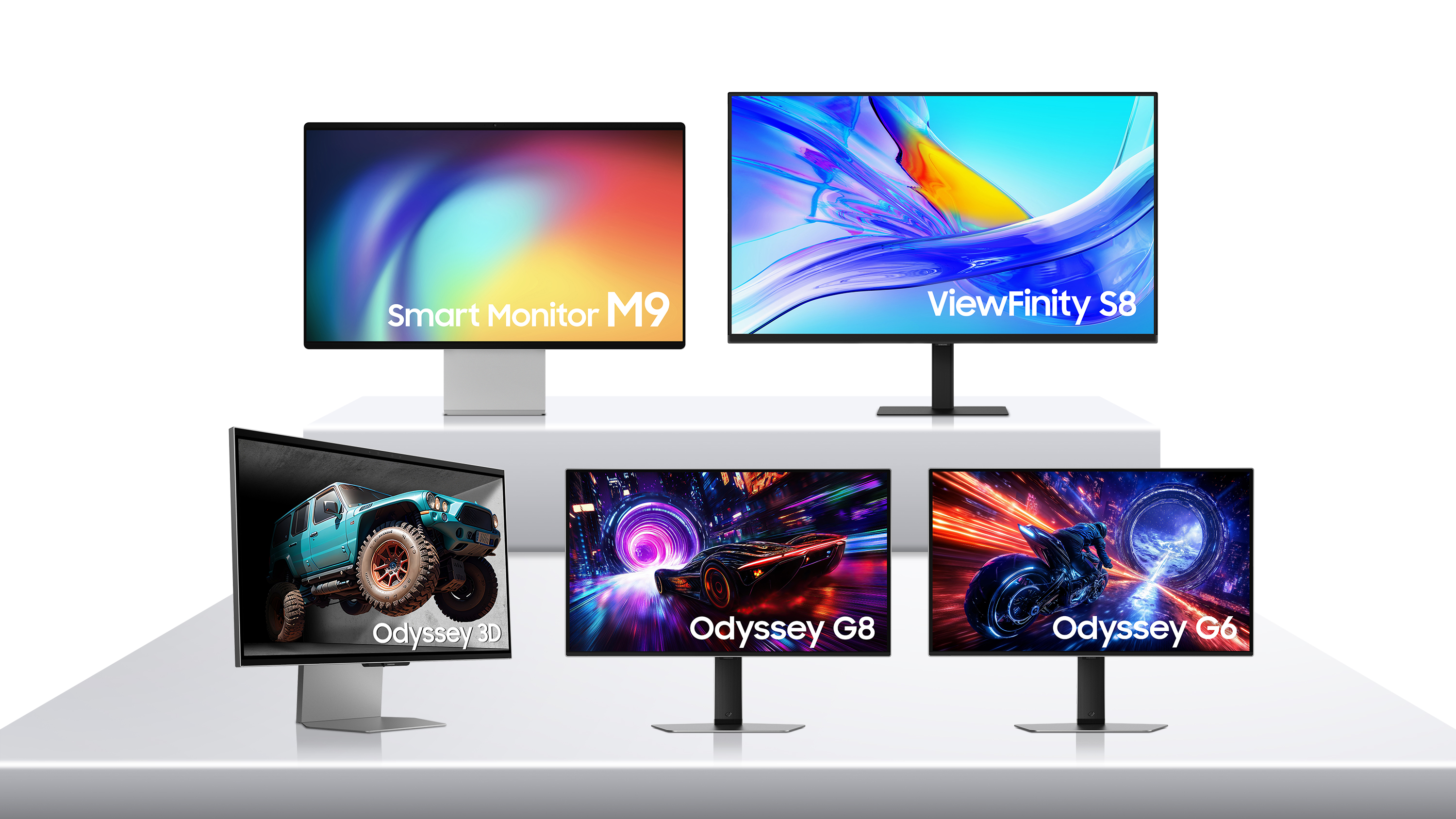


Asus Launches New ROG Wi Fi 7 Gaming Router That Comes With Nine 2 5G . Samsung Gets Ahead Of CES 2025 With The World S First 500Hz OLED Gaming . Best Gaming Monitors In 2026 Top 6 Picks For Every Budget In India Best Gaming Monitors In 2026 - Top Picks India . Philips 221V8LB Review 2026 Budget 100Hz Monitor Best HDR Monitors 1024x576 . Xiaomi G24i 2026 G27i 2026 Gaming Monitors Launched Globally Xiaomi Xiaomi Gaming Monitor G24i 2026 G27i 2026 R65T2 Scaled.webp



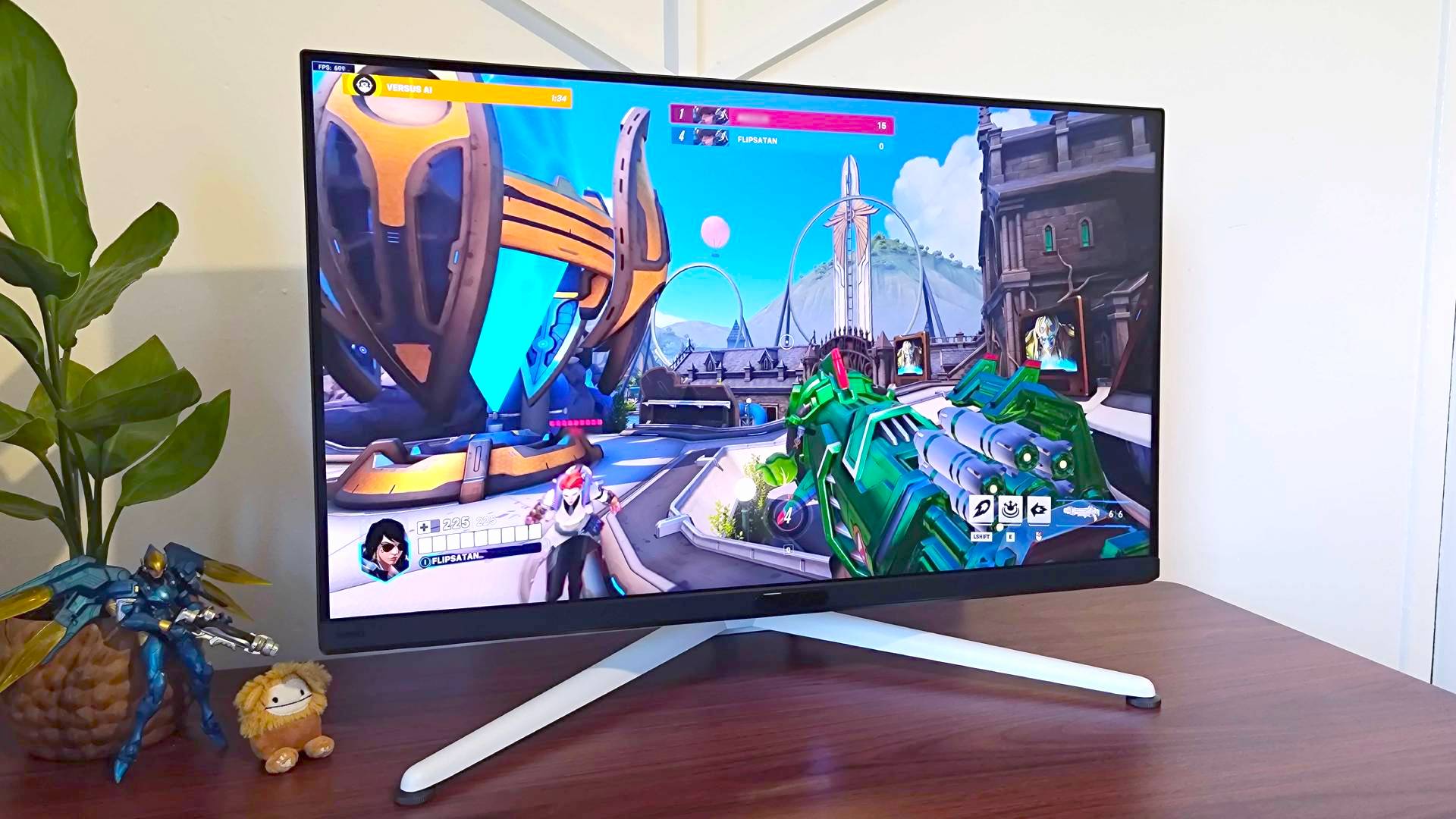
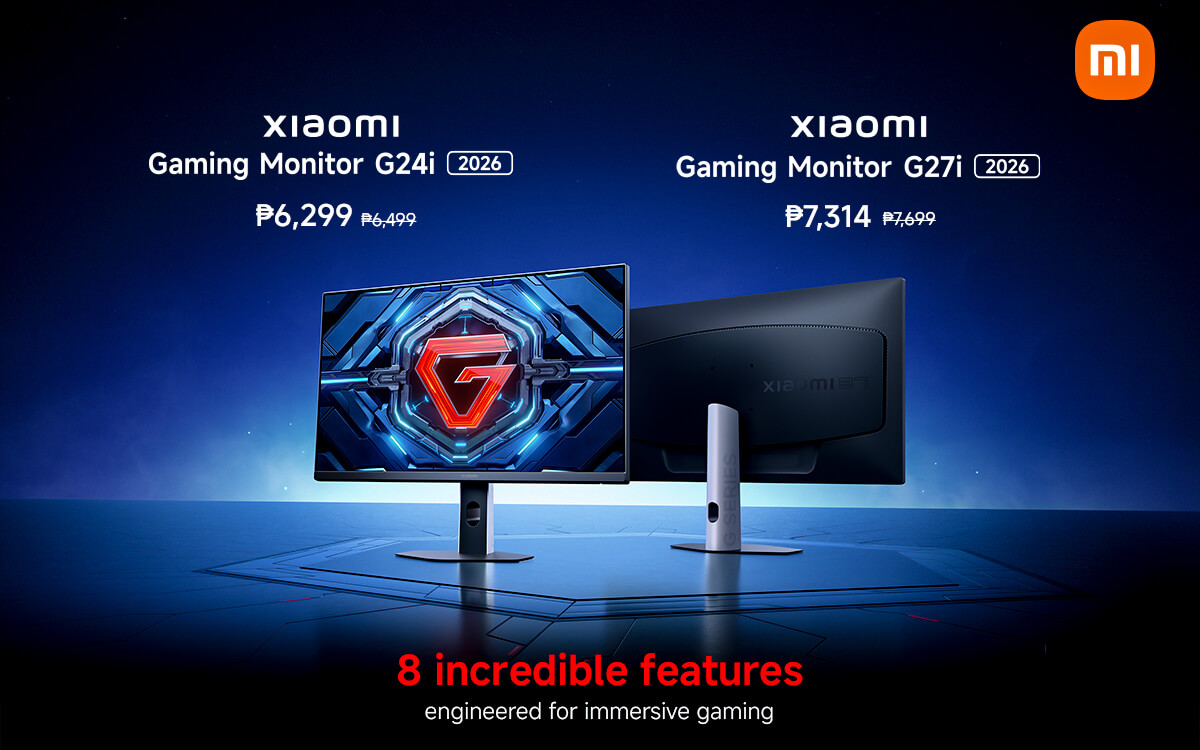
Best Gaming Monitors Of 2026 UK Best Gaming Monitors Twitter 1536x864 . Samsung Launches World S First 6K 1040Hz Gaming Monitors 2026 Sammy Odyssey 2026 Gaming Monitors . LG UltraGear Evo Gaming Monitor Lineup Announced Ahead Of CES 2026 27 . The Best Budget Gaming Monitors 2026 GamesRadar . Xiaomi Launches G24i 2026 And G27i 2026 Gaming Monitors In The Xiaomi Launches G24i 2026 And G27i 2026 Gaming Monitors In The Philippines


Best Picture Quality Gaming Monitor . Samsung Unveils New Odyssey OLED Smart Monitor And ViewFinity Lineups Smart Monitor M8 M80D 1 . Xiaomi G24i 2026 G27i 2026 Gaming Monitors Launched Globally Xiaomi Xiaomi Gaming Monitor G24i 2026 G27i 2026 Q2XM0.webp. The Best Budget Gaming Monitors 2026 GamesRadar . Xiaomi Curved Gaming Monitor G34WQi 2026 Jagat Review Xiaomi G34WQi 2026 D9ea3e6021
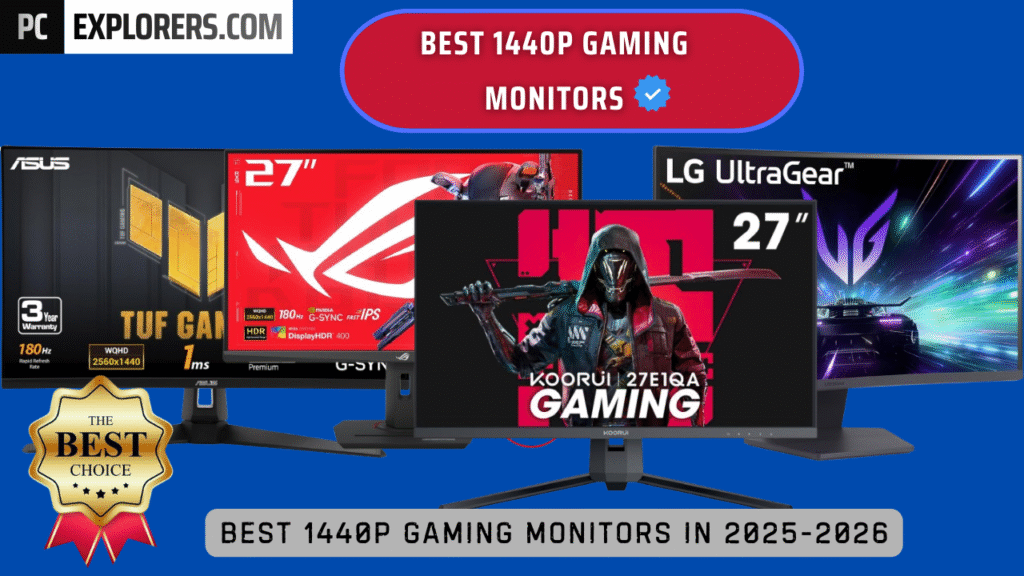
BEST Gaming Monitor In 2026 Here S What You SHOULD Buy At Every . BEST 1440P GAMING MONITORS IN 2025 2026 PC Explorers Best 1440p Gaming Monitors For Gaming In 2025 2026 1024x576 . 12 Best OLED Gaming Monitors For 2026 Reviews Mill Top Oled Gaming Monitors Qh52w . Best Gaming Monitors For 2026 Reviews And Bharat Erberbr . 15 Best OLED Gaming Monitors For 2026 RottenPanda Top Oled Gaming Monitors D4k6q
:strip_icc()/kly-media-production/medias/5460557/original/098102800_1767257548-2026_LG_UltraGear_CES_39GX950B.jpg)

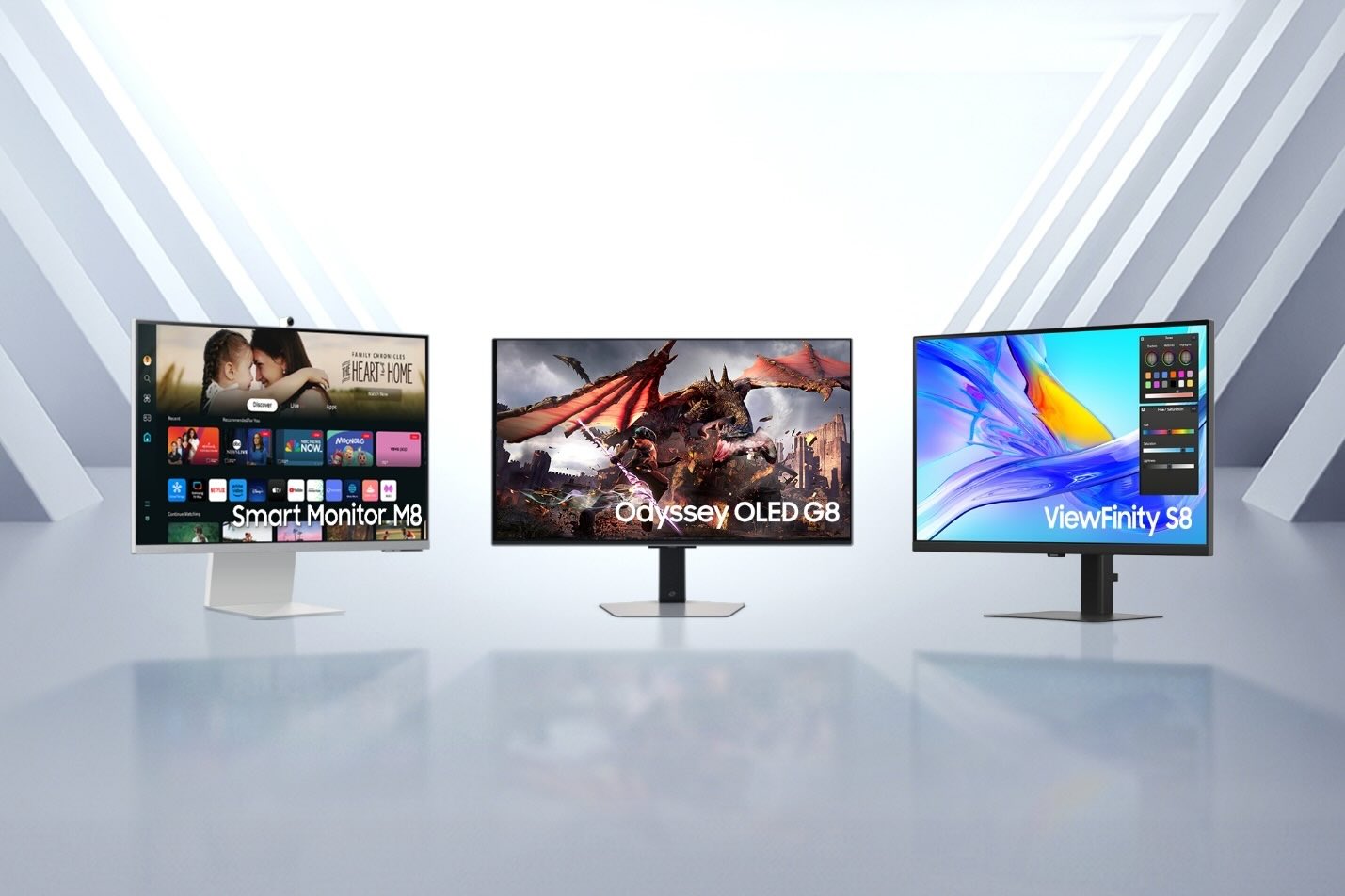
LG Siap Hadirkan Monitor Gaming 5K AI Upscaling Di CES 2026 098102800 1767257548 2026 LG UltraGear CES 39GX950B . 15 Best Gaming Monitors Of 2026 For Smoothest Gameplay And Stunning Top Gaming Monitors 2026 Moiql . Samsung Launches Next Gen Odyssey Gaming Monitors That Showcase Samsung TVs And Displays Odyssey 3D Odyssey OLED G8 Odyssey G9 And ViewFinity S8 2025 Odyssey Lineup And 37" ViewFinity S8 Dl7 . 15 Best Gaming Monitors Of 2026 Ultimate Picks For Seamless Play Top Gaming Monitors 2026 H3rit . Samsung Unveils 2024 Monitor Lineup Odyssey OLED Smart Monitors And Image001 2


Best Monitors For Gaming In 2026 Best Monitors For Gaming In 2024.webp. GIGABYTE Unveils Next Gen OLED Gaming Monitors At CES 2026 Gigabyte Next Gen Oled Gaming Monitors Ces 2026 1 . Chinese ESports Firm Worked With AMD On 1 000 Hz Gaming Monitor Primed . Ultimate List Of Smart Gaming Monitors For Indian Gamers 2026 Gaming Monitors 768x768 . The Best Recommended Gaming Monitors 2026 TFTCentral ROG Swift OLED PG27AQWP Bottom

Best USB C Gaming Monitors 2025 Guide Reviews Best 24 Inch Monitors . Xiaomi Launches 2026 G24i And G27i Gaming Monitors In PH Tech News Xiaomi Gaming Monitors G24i 2026 And G27i 2026 Launch PH 2 . Top 7 Gaming Monitors For FPS Games In 2026 Under 15k Frontech Online The Best Gaming Monitor Frontech . LG Monitors Buying Guide 2026 UltraGear Vs UltraWide Vs UltraFine Vs OLED AOC Monitors Buying Guide 2026 Main . Xiaomi Launches 2026 G24i And G27i Gaming Monitors In PH Tech News Xiaomi Gaming Monitors G24i 2026 And G27i 2026 Launch PH 1