


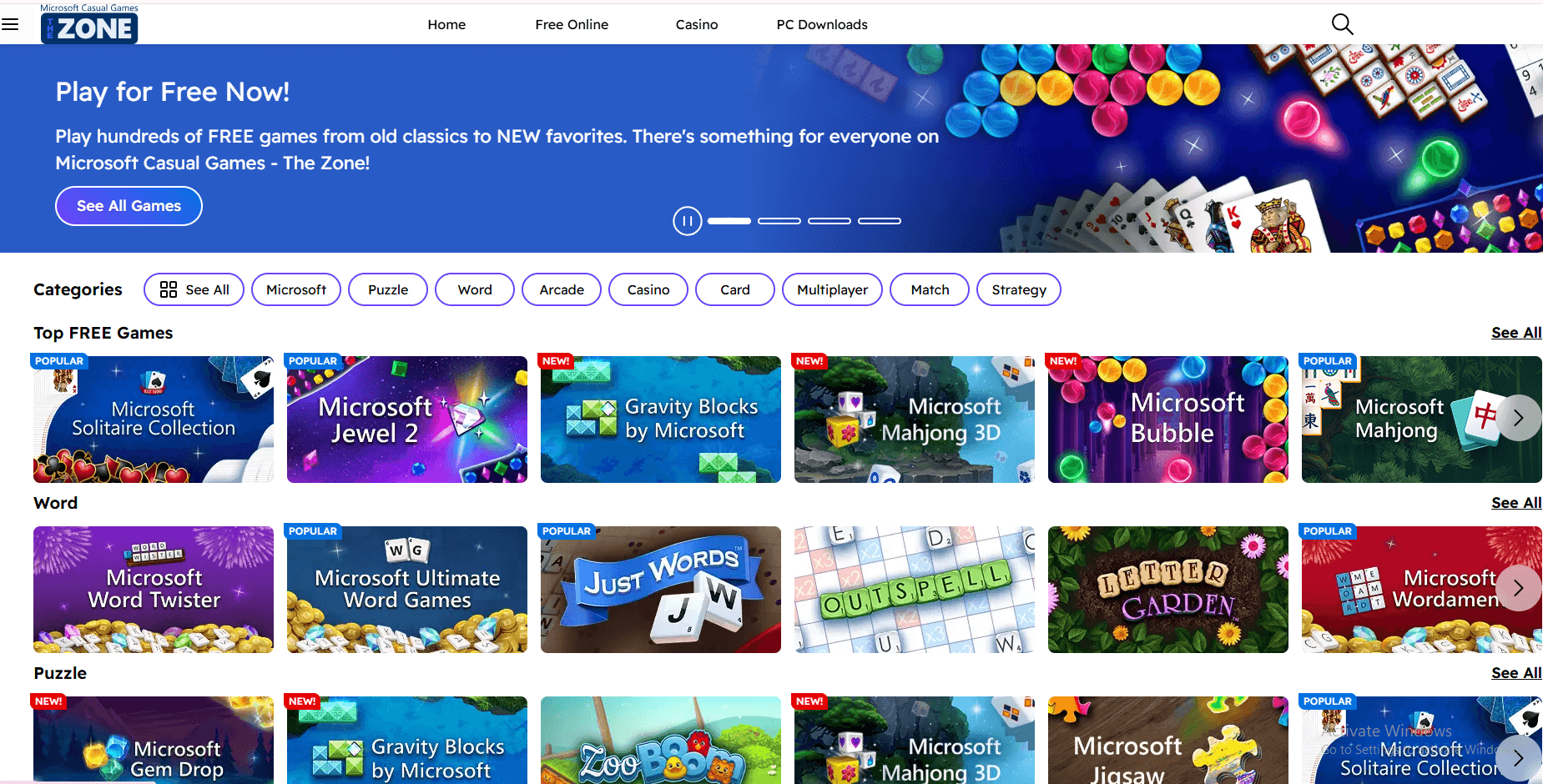


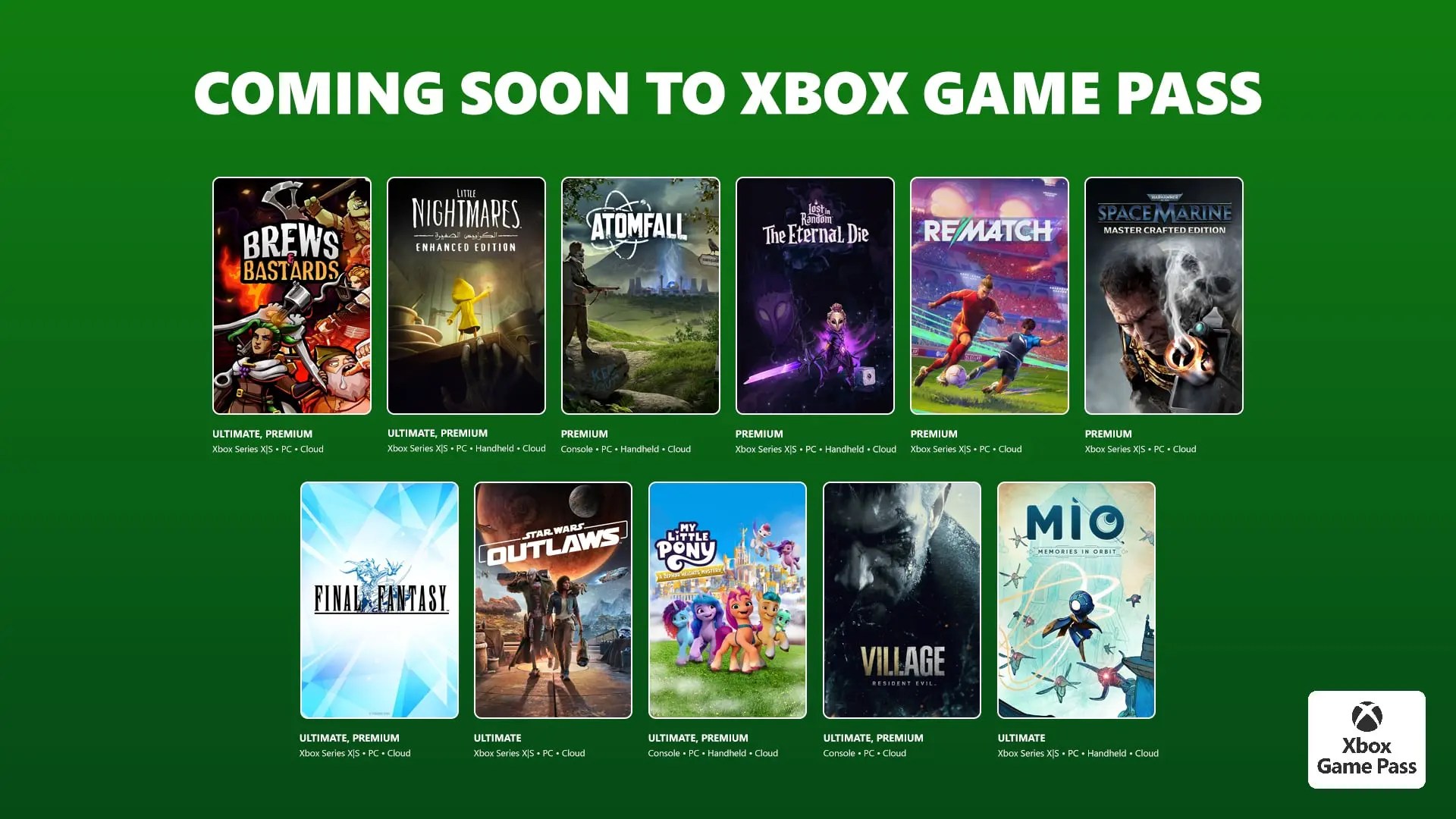

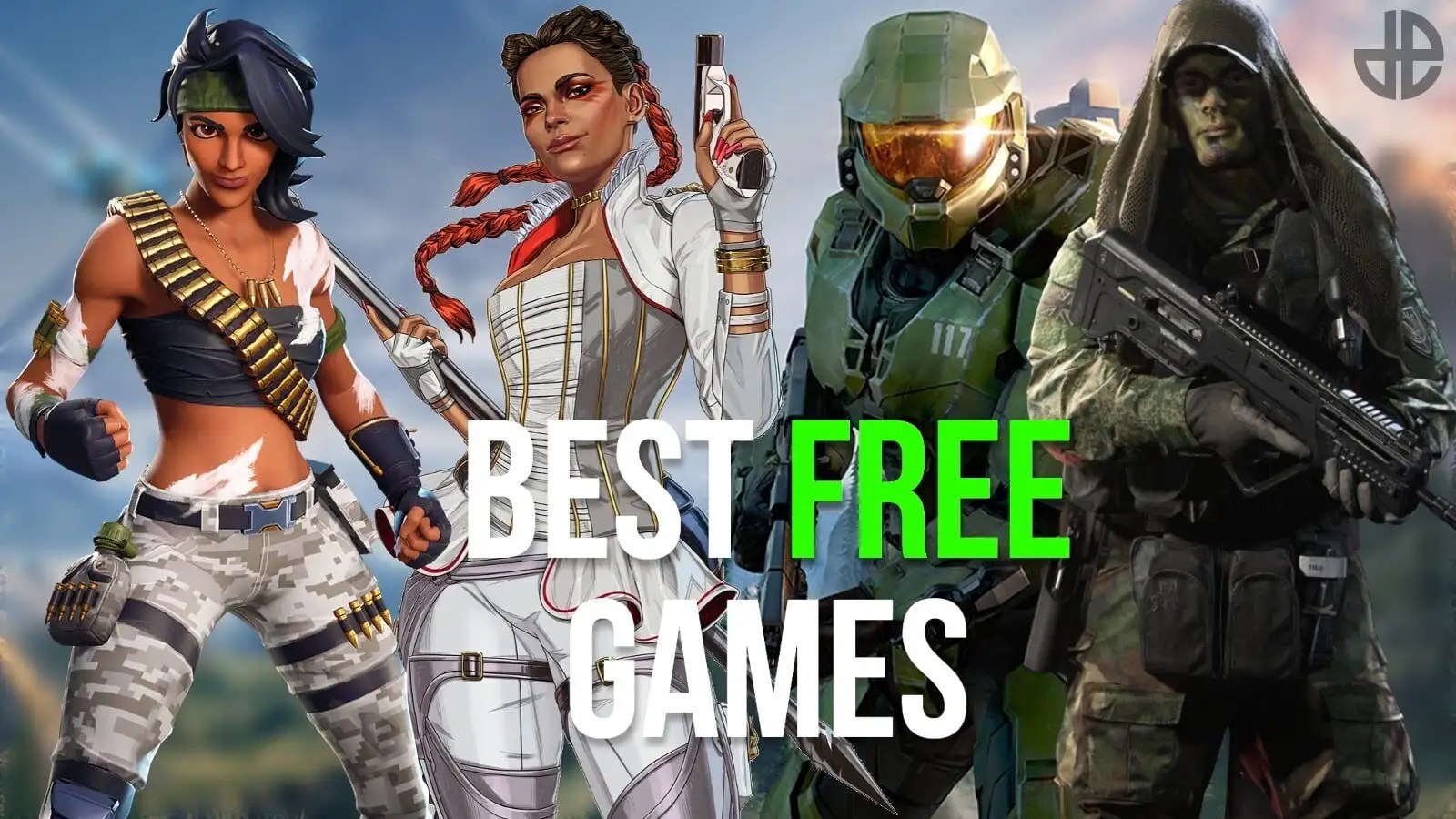


Are you wondering, 'How can I truly play free video games online without hidden costs in 2026?' It's a question many gamers ask as the digital landscape evolves rapidly. The good news is, free online gaming has never been more vibrant or accessible. We're talking about a universe of entertainment that rivals premium titles, all without opening your wallet.
Forget the old days of sketchy downloads and low-quality flash games. Today's free-to-play ecosystem offers stunning graphics, deep narratives, and competitive multiplayer action. From the immersive worlds of MMOs to the tactical thrill of MOBAs, there’s something for every type of player. Developers are increasingly investing in free models, creating incredible experiences for millions globally. This shift means more high-quality options for you.
We have seen an explosion in cloud gaming services offering free tiers, further democratizing access to powerful gaming rigs. Imagine playing graphically intensive titles on your old laptop through a browser; that's the reality for many in 2026. Understanding optimization and identifying the best platforms will ensure you get the most out of every session. We'll delve into these crucial aspects together.
Mastering the Free-to-Play Universe 2026
Navigating the vast ocean of free online games can feel daunting at first glance. However, with the right knowledge, you can discover hidden gems and long-running classics. This guide provides essential insights into selecting games, optimizing your setup, and enhancing your overall experience. We will focus on performance improvements and strategic gameplay across various genres.
Many popular titles like Genshin Impact and Valorant continue to dominate, offering rich content updates and competitive seasons. New contenders are also emerging, pushing graphical boundaries and narrative depth in the free-to-play space. These games often thrive on microtransactions for cosmetics, not essential gameplay advantages. This approach ensures a level playing field for everyone.
Optimizing Your Free Gaming Experience
Settings Optimization: Fine-tune in-game graphics settings to balance visual fidelity with frame rate. Experimenting with anti-aliasing and shadow quality can yield significant performance gains. Many free games offer scalable options for different hardware.
Ping Reduction: Use a wired internet connection instead of Wi-Fi whenever possible to reduce latency. Close bandwidth-heavy applications running in the background. A stable connection dramatically improves response times in fast-paced games.
FPS Drop Solutions: Ensure your graphics drivers are always up to date; this is often the simplest fix. Lower your resolution or render scale if you're consistently experiencing frame rate drops. Modern GPUs benefit greatly from the latest driver optimizations.
Stuttering Fix: Check for background processes consuming CPU or RAM resources. Verify game file integrity through the client to fix corrupt data. Sometimes a simple system restart can resolve temporary performance hiccups effectively.
Driver Updates: Regularly update your GPU, chipset, and network drivers directly from the manufacturer's website. Outdated drivers are a common cause of performance issues and instability. Keeping drivers current unlocks new features and performance enhancements.
Remember, a great gaming experience isn't just about the game itself, but how well your system handles it. These adjustments are crucial for competitive play and immersive single-player adventures alike. You're setting yourself up for success by focusing on these technical aspects.
Understanding Game Genres in Free-to-Play
The free online gaming market spans an impressive array of genres, each offering unique challenges and rewards. From rapid-fire First-Person Shooters (FPS) to intricate Multiplayer Online Battle Arenas (MOBA), there’s a style for every player. Exploring different types helps you discover new passions and connect with diverse communities.
Popular Free Online Game Genres
FPS (First-Person Shooter): Experience intense, fast-paced combat from a first-person perspective. Titles like Apex Legends and Valorant lead the charge. Precision aiming and quick reflexes are key to mastering these thrilling experiences.
MOBA (Multiplayer Online Battle Arena): Engage in strategic team-based combat, typically involving two teams of players. Dota 2 and League of Legends are perennial favorites. Understanding character abilities and map objectives is crucial.
RPG (Role-Playing Game): Immerse yourself in rich narratives, character progression, and expansive worlds. Genshin Impact and Old School RuneScape offer deep free-to-play RPG experiences. Customizing your character and exploring lore provides immense satisfaction.
Battle Royale: Compete against many other players in a shrinking play area until only one remains. Fortnite continues its dominance, providing constant updates and events. Quick thinking and adaptability are essential for survival in this genre.
Indie Games: Discover innovative and unique experiences often developed by smaller studios. Many indie titles offer free versions or are entirely free-to-play. These games frequently push creative boundaries and introduce fresh mechanics.
MMO (Massively Multiplayer Online): Join thousands of other players in persistent online worlds. Guild Wars 2 and Star Wars The Old Republic offer substantial free content. Collaborative gameplay and community interaction are central to MMOs.
Strategy Games: Test your tactical prowess and decision-making skills in complex scenarios. Forge of Empires and various browser-based strategy games provide engaging challenges. Planning and resource management are paramount to victory.
Each genre presents its own learning curve and rewards. Don't hesitate to jump into a new type of game; you might find your next obsession. The free-to-play model makes experimentation risk-free and incredibly fun.
Advanced Tips for Pro-Level Free Gaming
Once you've got the basics down, you might be looking to elevate your gameplay. Whether it's fine-tuning your Loadout in an FPS or mastering advanced Strategies in a MOBA, there's always room for improvement. Pro players often spend hours analyzing game mechanics and practicing specific techniques.
For competitive games, watching streamers and professional tournaments can provide invaluable insights. Pay attention to how they position themselves, manage resources, and communicate with their team. Many pros share their Beginner and Pro tips freely online, offering a fantastic resource. These detailed guides can significantly shorten your learning curve.
Key Takeaways for High-Performance Gaming
Hardware Check: Ensure your PC or console meets the game's minimum requirements for a smooth experience. Even free games can be demanding. A decent Gaming mouse and Mechanical keyboard can give you an edge.
Network Stability: Invest in a reliable internet service provider and consider QoS (Quality of Service) settings on your router. Consistent bandwidth prevents frustrating Lag spikes. This is critical for any online competitive play.
Practice Routines: Dedicate time to practice specific skills like aiming in FPS or last-hitting in MOBAs. Consistent effort yields noticeable improvements over time. Many games offer practice modes to refine your abilities.
Community Engagement: Join game-specific forums, Discord servers, or subreddits. These communities offer builds, walkthroughs, and peer support. Learning from others enhances your understanding and enjoyment of the game.
Mental Fortitude: Ranked play can be intense; maintaining a positive attitude helps. Don't let losses discourage you; learn from mistakes and move forward. Remember, every Pro started as a Beginner.
These strategies extend beyond just free games; they are universal principles for becoming a better gamer. The pursuit of excellence is a journey, not a destination. Embrace the challenge and enjoy the process of improvement.
Q&A with Your AI Engineering Mentor
Hey there, future gaming legend! It's awesome that you're diving deep into the world of free online games. I get why some of this stuff can seem a bit overwhelming at first, especially with all the talk about optimization and different game types. Don't sweat it, we're going to break it all down. You've got this, and I'm here to help you nail it. Let's tackle some of the burning questions you might have, just like we'd chat over coffee.
## Beginner / Core Concepts
1. Q: What are the absolute best free online games to start with right now in 2026?
A: This one used to trip me up too, there are just so many! For 2026, you've really got some solid choices depending on your style. If you love fast action, Valorant or Apex Legends are fantastic FPS options that are constantly updated and have huge communities. For something more strategic and team-based, League of Legends or Dota 2 are still reigning supreme in the MOBA world, offering incredible depth without spending a dime. If you prefer open-world exploration and a rich story, Genshin Impact is an absolute must-play; its graphics and gameplay easily compete with paid titles. My advice? Try a couple from different genres to see what clicks. You're looking for something that grabs your attention and makes you want to keep coming back. Many beginner guides for these games are readily available too. You've got this, experiment a bit!
2. Q: Is it really safe to play free games online, or do they all come with viruses?
A: That's a super valid concern, and I'm glad you're asking! While the internet always has its shady corners, playing free games online from reputable sources is generally very safe in 2026. Think major platforms like Steam, Epic Games Store, or official game websites for titles like Fortnite, Valorant, or Genshin Impact. They have strong security measures. The key is to avoid obscure download sites or links from unknown sources. Always double-check the URL and look for reviews. Use a good antivirus, keep your operating system updated, and you'll be golden. Just like walking down a busy street, you just need to be aware of your surroundings and stick to well-lit paths. Try this tomorrow and let me know how it goes if you have any doubts!
3. Q: What does 'ping' mean in online gaming, and why is it important for free games?
A: Ah, ping! It's one of those terms you hear all the time, and it just means how long it takes for a signal to go from your computer to the game server and back. It's measured in milliseconds (ms). Imagine sending a text message and waiting for a reply; lower ping means a faster reply. For free online games, especially competitive ones like FPS or MOBAs, low ping is absolutely crucial. High ping means lag, delays, and a frustrating experience where your actions don't register instantly. Even a slight delay can be the difference between winning a crucial firefight or getting taken out. Since you're not paying for the game, optimizing your connection for low ping is your personal investment in a better experience. You've got this, focus on a wired connection!
4. Q: How can I tell if a free online game is actually good and worth my time?
A: That's a smart question because your time is valuable, even for free entertainment! In 2026, a great way to gauge a free online game's quality is by checking out its community and reviews. Look at platforms like Steam user reviews, Reddit communities for the game, or YouTube gameplay videos. A large, active player base often indicates a well-maintained game with regular updates and developer support. Also, pay attention to whether the game is 'pay-to-win' – meaning players can buy advantages – which usually signals a less fair experience. Look for games where purchases are purely cosmetic. Finally, just jump in! Since it's free, you literally have nothing to lose by downloading and playing for an hour or two. You'll know pretty quickly if it's a good fit. Give it a shot!
## Intermediate / Practical & Production
5. Q: My game is constantly lagging even with good internet; what are common culprits besides ping?
A: I get why this is so frustrating; a good internet connection doesn't always guarantee a smooth ride! Besides ping, several other factors can cause lag. First, your graphics card (GPU) and processor (CPU) might be struggling to keep up with the game's demands. Even free games can be quite graphically intensive in 2026. Try lowering your in-game graphic settings significantly. Second, background applications like browsers with many tabs, streaming services, or even system updates can hog your system resources and bandwidth. Close anything you don't absolutely need while gaming. Third, outdated or corrupted graphics drivers are a common but often overlooked culprit. Always ensure your drivers are updated from the manufacturer's website. Finally, ensure your system isn't overheating, as this can throttle performance. Monitoring your CPU/GPU temperatures with tools like HWMonitor can provide insights. You've got this, troubleshooting is part of the fun!
6. Q: What's the best way to optimize in-game settings for maximum FPS without making the game look terrible?
A: This is an art form, honestly! The trick is finding that sweet spot between visual fidelity and performance. Start by setting your texture quality to 'medium' or 'high' as it often has less impact on FPS than other settings, and makes a big visual difference. Then, tackle shadows and anti-aliasing; these are usually huge FPS killers. Try lowering shadows to 'low' or 'medium' and setting anti-aliasing to a less demanding option like FXAA or TAA instead of MSAA. Turn off computationally intensive effects like ambient occlusion, global illumination, or excessive reflections, which often have a massive performance cost for minimal visual gain. Consider reducing your render scale slightly; going from 100% to 90% can provide a noticeable FPS boost with only a minor visual downgrade. It's a balancing act, and every game engine behaves a bit differently. Try experimenting in a training range or a less demanding area of the game. You've got this, a few tweaks make a world of difference!
7. Q: How do I identify and fix stuttering issues that aren't related to typical lag?
A: Ah, stuttering – it's a particularly annoying beast because it feels different from simple lag! This often points to resource contention or drive issues rather than network problems. First, check your disk usage. If your game is on a traditional HDD, upgrading to an SSD can drastically reduce loading stutters, especially in games that stream assets. Second, monitor your CPU and RAM usage while playing. If either is consistently at 90-100%, you might have a bottleneck. Close all unnecessary background applications. Third, consider your VRAM usage. If your graphics card's VRAM is maxed out, it will start using slower system RAM, causing stutters. Lower texture quality to reduce VRAM demand. Finally, enable or disable V-Sync or G-Sync/FreeSync; sometimes these synchronization technologies can introduce stuttering if not properly configured with your monitor. It's all about resource management. You've got this, keep an eye on those system monitors!
8. Q: Are free cloud gaming platforms like GeForce NOW's free tier viable in 2026, and what are their limitations?
A: Absolutely, they're becoming incredibly viable and popular, especially the free tiers! In 2026, free cloud gaming services like GeForce NOW's basic tier offer a fantastic way to play graphically demanding games without needing a powerful local machine. The major limitation, and it's a big one, is session length; you're often limited to an hour or so per session, and then you have to re-queue, which can mean significant wait times during peak hours. Picture it as a shared public computer at the library. You also need a very stable, high-speed internet connection because all the rendering happens remotely. Any network instability will translate directly into a poor visual experience or input lag. Also, while you can play free games, you still need to own or have access to the games on a supported storefront like Steam. They're not giving you the games; they're giving you the hardware to run them. They're perfect for casual play or trying out new titles before you commit to them. You've got this, but plan your play sessions!
9. Q: What role do peripheral settings (WASD, Gaming Mouse, Mechanical Keyboard) play in free online competitive games?
A: This is where the pros really differentiate themselves, and it's something beginners often overlook! Your peripherals are your direct interface with the game, so their settings and quality are hugely important in competitive free online games like FPS or MOBAs. For WASD movement, ensuring comfortable keybinds that allow for quick access to abilities is key. A good Gaming Mouse with adjustable DPI (dots per inch) and programmable buttons lets you fine-tune your aim sensitivity and execute complex actions faster. A Mechanical Keyboard offers superior tactile feedback and faster actuation points compared to standard membrane keyboards, which can shave precious milliseconds off your reaction time. It's about precision, speed, and comfort. While you don't need the most expensive gear, investing in decent peripherals and configuring them correctly can give you a significant edge over opponents using basic office equipment. Try this tomorrow and feel the difference!
10. Q: How can I identify if my 'lag' is actually input delay and not network lag?
A: That's a sharp distinction to make, and it's important for effective troubleshooting! Network lag (high ping) means your actions take a while to reach the server, while input delay means there's a delay between you pressing a button and the game responding locally. If your ping counter shows low numbers (under 50ms) but your character still feels sluggish or unresponsive, you're likely dealing with input delay. Common causes include V-Sync being enabled (which can cap FPS to your monitor's refresh rate but add delay), a slow monitor refresh rate, or heavy background processes hogging your CPU. Sometimes it's even your mouse or keyboard polling rate. Try disabling V-Sync in your game settings or graphics driver control panel if you don't mind screen tearing. Ensure your monitor is set to its highest refresh rate in Windows display settings. Reducing graphical settings can also help if your GPU is struggling to render frames fast enough. You've got this, it's all about responsiveness!
## Advanced / Research & Frontier 2026
11. Q: What are the emerging monetization models in free online games for 2026, beyond just cosmetics?
A: This is a fantastic question that digs into the business side of things, and it's a rapidly evolving area in 2026! Beyond traditional cosmetics and battle passes, we're seeing a rise in 'Play-to-Earn' (P2E) elements, often leveraging blockchain technology, where players can earn cryptocurrencies or NFTs through gameplay. These are still in nascent stages and vary wildly in success and sustainability. Another trend is 'Seasonal Content Passes' that offer exclusive, time-limited gameplay modes or narrative arcs that require a small upfront cost but don't inherently provide a power advantage. Think mini-expansions. We're also seeing more direct subscription-like models, where a monthly fee unlocks all current and future 'premium' content for specific free games, like certain MMOs. Some are even exploring 'viewer engagement' models where active viewers of streams can directly influence in-game events for a small fee, blurring lines between content creation and play. It's a dynamic space, constantly seeking ways to generate revenue without alienating the free player base. You've got this, understanding the economics helps!
12. Q: How are AI reasoning models like o1-pro and Llama 4 influencing free online game development and player experience in 2026?
A: This is where it gets really exciting from an AI engineering perspective! In 2026, frontier models like o1-pro and Llama 4 reasoning are profoundly impacting free online game development. On the development side, they're being used to generate vast amounts of procedural content, from quest lines to environmental assets, reducing development costs for free-to-play titles. Imagine dynamic NPCs with truly adaptive dialogue and behavior, making every playthrough feel unique. For player experience, AI is revolutionizing matchmaking algorithms, creating much fairer and more engaging Ranked play by predicting player skill more accurately. We're also seeing advanced AI used for sophisticated anti-cheat systems, making free games a much safer environment. Furthermore, AI-powered 'intelligent tutors' within games are providing personalized advice and feedback, helping Beginner players improve faster. It's truly a game-changer, making free games richer and more accessible. You've got this, the future is now!
13. Q: What advanced network optimization techniques, beyond a wired connection, can significantly reduce lag for competitive free games?
A: Okay, now we're talking about really dialing it in! Beyond a wired connection, one of the most impactful advanced techniques is setting up Quality of Service (QoS) on your router. This allows you to prioritize gaming traffic over other internet activities, ensuring your game gets the bandwidth it needs, even if someone else is streaming Netflix. Another one is exploring alternative DNS servers like Google's (8.8.8.8) or Cloudflare's (1.1.1.1); sometimes, your ISP's default DNS can be slower. For the truly dedicated, a VPN optimized for gaming can sometimes route your traffic through a faster path to the game server, bypassing congested intermediate nodes, though this can sometimes increase ping too, so test thoroughly. Finally, checking for and disabling any 'network boost' or 'game first' software utilities that come with some motherboards or network cards, as they can sometimes interfere with optimal routing, is crucial. It's all about fine-tuning that data pipeline. You've got this, every millisecond counts!
14. Q: How are developers balancing accessibility for casual players with the deep competitive demands of free-to-play esports in 2026?
A: This is a tightrope walk for developers in 2026, and it's a constant challenge! They typically achieve this by creating a tiered experience. For Casual players, games often feature intuitive tutorials, unranked play modes, and social hubs that emphasize fun over intense competition. Think battle passes that reward simply playing, not just winning. Then, for the serious competitive players and esports hopefuls, they introduce Ranked ladders, high-stakes tournaments, and dedicated spectator modes with extensive statistical tracking. The game's core mechanics usually remain consistent across both, but the *context* and *rewards* differ. They might also implement smart matchmaking that keeps beginners away from pros in casual queues. It's about providing different playgrounds within the same game world, allowing everyone to enjoy the experience at their own pace and skill level. It's a delicate dance to keep both audiences engaged. You've got this, it's about inclusive design!
15. Q: What are the security implications of using third-party game launchers or modding free online games in 2026?
A: This is a critical security concern, and it's something we always need to be mindful of! Using third-party game launchers or modding tools for free online games in 2026 introduces significant risks. Unofficial launchers might contain malware, spyware, or simply collect your personal data without consent. They could also bypass official game security, leading to account bans. For modding, while many single-player games have thriving modding communities, applying mods to online multiplayer free games is almost always against the terms of service and can easily result in permanent bans, especially in competitive titles. Furthermore, some mods might inadvertently contain malicious code or create vulnerabilities. My advice? Stick to official launchers and approved mods only, particularly for online games. If a mod promises an unfair advantage, it’s a red flag. Always prioritize your account security and system integrity. You've got this, play smart and safe!
Quick 2026 Human-Friendly Cheat-Sheet for This Topic
Always update your graphics drivers first; it's like a free performance boost!
Use a wired internet connection for online games to zap that annoying lag.
Lower shadow quality and anti-aliasing in settings; they're big FPS hogs.
Close background apps to free up your CPU and RAM for gaming.
Stick to official game launchers to avoid nasty viruses and account bans.
Experiment with different free game genres; you might discover a new favorite!
Join game communities; they're goldmines for tips, builds, and friendly advice.